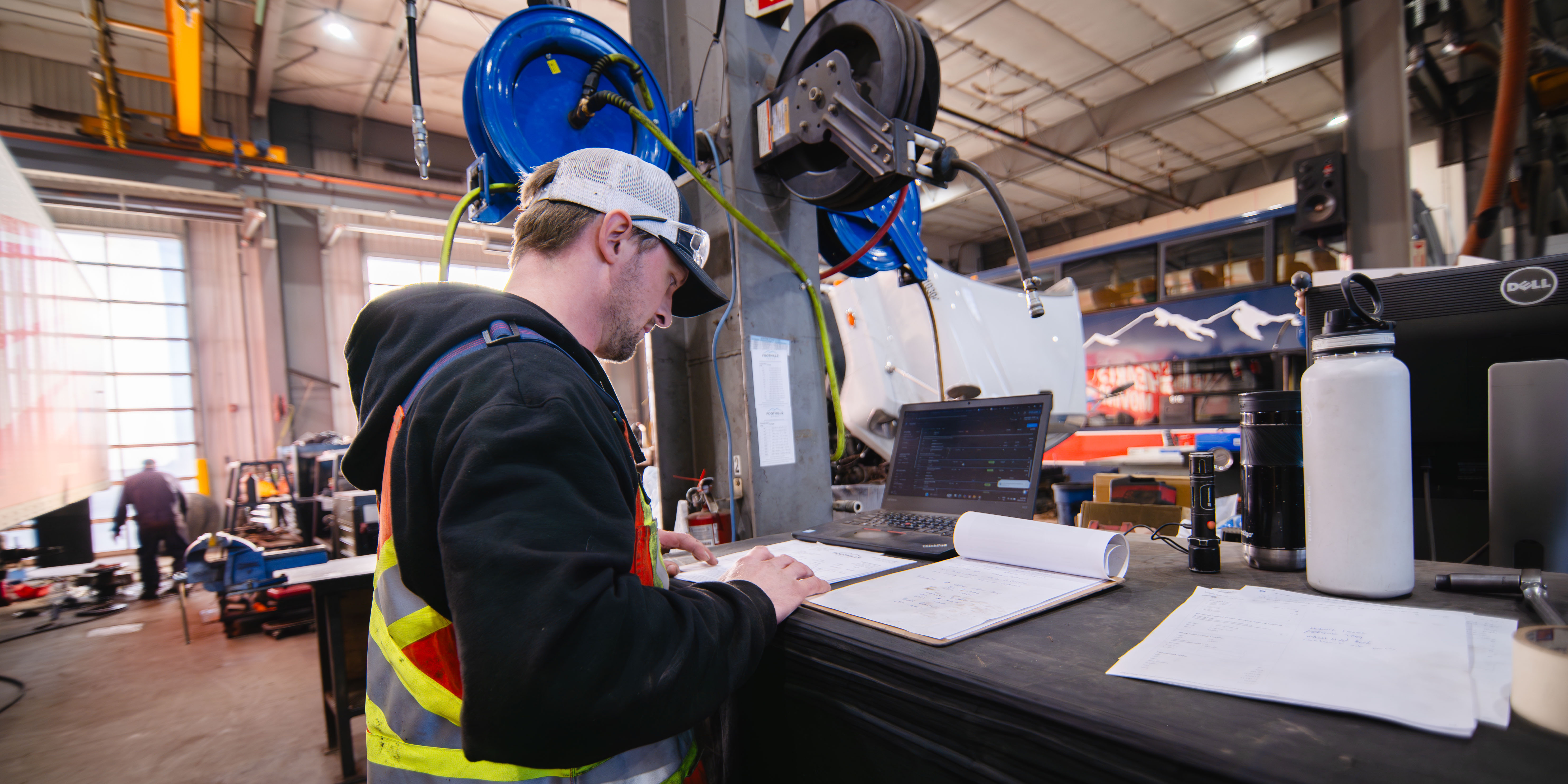
Why Technicians Avoid Shop Software - and What to Do About It
If your technicians "won't use the system," it's tempting to blame training.
But in a heavy-duty shop, adoption usually isn't a training problem. It's a workflow fit problem.
Every time software forces a tech to:
- walk to a shared computer
- wait on a slow screen
- fight a 20-click form
- type with gloves on
- or re-enter the same info twice
it competes directly with wrench time. And techs will route around anything that slows the job down - paper notes, texts, whiteboards, "I'll update it later."
That isn't laziness. It's the shop floor doing what it always does - protecting throughput.
The constraint is real: you can't hire your way out
Most shops feel the same pressure: more work than capacity, and a tight labor market.
The U.S. Bureau of Labor Statistics projects about 26,500 openings per year for diesel service technicians and mechanics (2024-2034 average), and notes most openings come from replacement needs (retirements/exits), not growth.
TechForce Foundation's 2024 Supply & Demand Report puts it even more bluntly: transportation will need nearly 1 million new-entry technicians over five years across the sectors it tracks.
So if headcount is hard to add, the scalable lever is simple:
Remove non-wrench friction.
And the biggest friction engine in most operations is the work order workflow.
The shop-floor reality: work doesn't happen at a desk
A heavy-duty shop doesn't run on neat, linear processes. It runs on interruptions:
- diagnosis that changes midstream
- parts delays
- approvals
- multiple jobs per shift
- technicians bouncing between bays
When software assumes "office behavior," it breaks.
Government Fleet has documented what happens when technicians must leave the bay to interact with systems - punching in/out, updating work orders, ordering parts, looking up specs. It's lost time, waiting time, and broken flow.
So the "moments of truth" for adoption aren't in a conference-room demo. They're in the bay:
- starting a job
- switching tasks
- adding a note/photo
- requesting a part
- updating status
- closing out invoice-ready
If those actions aren't fast where the tech stands, you get workarounds.
Why technicians avoid shop software (and why it's predictable)
Technicians rarely "hate software." They hate being slowed down by it.
1) If it's not easy, it never becomes "useful"
Technology adoption research (the Technology Acceptance Model) shows usage is strongly tied to perceived usefulness and perceived ease of use (parsmodir.com).
In shop terms, "useful" doesn't mean "more features."
It means: Does this help me finish the job faster and avoid rework today?
If the UI is slow or awkward, techs never experience the payoff - only the cost.
2) Workarounds are a rational response to misfit
Workaround research describes bypassing the "official" process as a goal-driven adaptation when systems block local goals.
On the shop floor, the local goals are obvious:
- keep equipment moving
- finish the repair
- avoid interruptions
- don't lose time walking and clicking
So when software slows those goals, you don't get "partial adoption."
You get parallel systems (paper + software, texts + software), and admins reconstruct reality later.
The hidden killer: small friction taxes compound into lost capacity
A "few extra minutes" sounds small until you multiply it across technicians, work orders, and days.
Here's a simple model: +5 minutes per work order, per technician, per day.
| Shop size | Minutes lost/day (1 WO/tech/day) | Hours lost/day | Hours lost/month (20d) |
|---|---|---|---|
| 3 techs | 15 | 0.25 | 5.0 |
| 10 techs | 50 | 0.83 | 16.7 |
| 25 techs | 125 | 2.08 | 41.7 |
Now apply your reality:
If each tech touches 4 work orders/day, a 10-tech shop loses about 66.7 hours/month (16.7 × 4).
Multiply by your effective door rate and that's real revenue capacity that never hits an invoice.
This is why techs react so strongly to "just one more step." They feel the constraint daily.
Click-heavy workflows are measurable (and techs feel every second)
A common failure mode is the "20-click workflow" for a task that should be quick: clocking onto a job, adding notes, attaching photos, requesting parts.
Human-computer interaction modeling (Keystroke-Level Model) gives typical times for basic actions like pointing (about 1.1s) and explicitly accounts for mental pauses and system waiting.
Then layer on response-time reality: Jakob Nielsen's well-known thresholds explain why:
- about 0.1s feels instantaneous
- about 1s is noticeable but tolerable
- about 10s breaks attention and requires feedback
In plain shop terms:
Fast and simple = tech updates the work order in the bay.
Clicky and sluggish = "I'll do it later," and later becomes never.
Physical reality matters: gloves, grime, and mis-taps
Even decent software can fail if it assumes clean hands and desk posture.
Studies on gloving show tactile sensibility varies by glove type and is generally better with thinner, well-fitted gloves - and can be affected by double-gloving.
You don't need a lab to understand the shop version of that:
- small buttons = mis-taps
- lots of typing = slow
- buried actions = abandoned updates
So "technician-first" isn't a slogan. It's designing for how work is actually performed.
What "good" looks like: technician-first acceptance criteria
Because industry-wide benchmarks for heavy-duty work order interaction times are limited, the practical move is to set acceptance criteria and measure them in your bays.
Here are targets that are realistic if the system is truly technician-first (and high-risk if it isn't):
- Open assigned work order in bay: 10 seconds or less
- Clock onto a job/switch tasks: 10 seconds or less
- Add a photo + short note: 20 seconds or less
- Request a part: 15 seconds or less
- Update status: 10 seconds or less
- Close job (tech portion) invoice-ready: 60 seconds or less
If your current system regularly blows past these, don't expect adoption. Expect workarounds.
How modern systems fix it (without "more training")
Technician-first systems win adoption by making the fastest path the right path.
Bay-centered workflows (mobile/tablet)
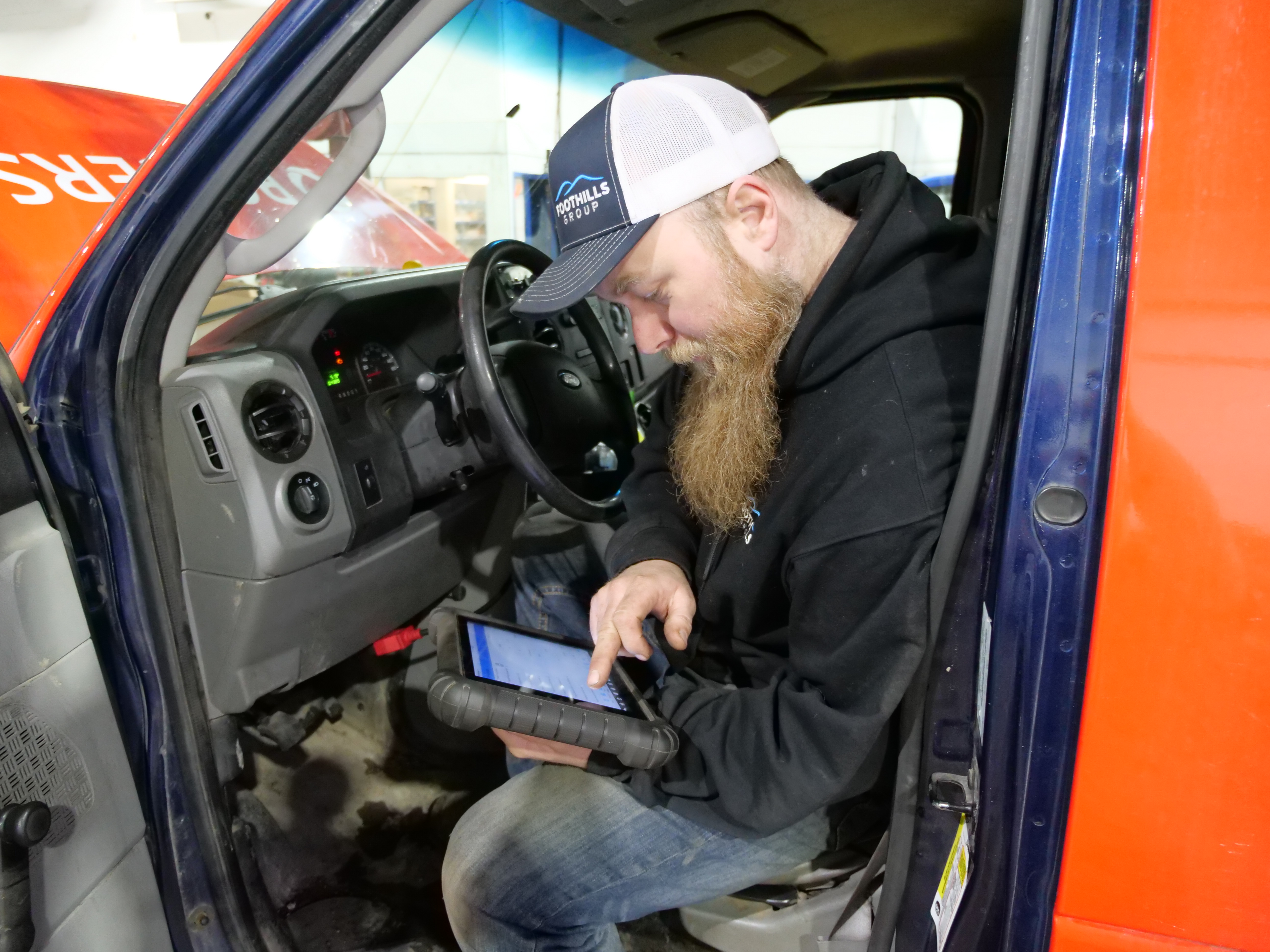
Instead of forcing techs to hunt for a shared terminal, modern shops keep work order actions in the bay. Government Fleet describes technicians using tablets for work order management, punching in/out, ordering parts, and pulling manuals - all at the vehicle.
Low-click, low-latency interactions
Good systems cut navigation to the bone:
- big tap targets
- minimal typing
- fast camera capture
- autosave
- no dead ends
- no "wait-and-refresh" loops
Immediate visibility for parts + service management
When tech updates happen in real time (instead of end-of-day batching), parts and service don't have to chase information. That reduces:
- stalled jobs
- wrong parts pulls
- billing delays
- the admin burden of reconstructing reality
Where ShopView fits (and how to evaluate it fairly)
ShopView is positioned around exactly this reality: speed-first, technician-first workflows built for heavy-duty operations.
A few places to look if you want to judge "technician-first" in a practical way:
- Work orders + time tracking tied together (so labor capture isn't a separate chore). ShopView highlights clock-in/out automation connected directly to each work order.
- Designed for heavy-duty shop operations (not repurposed light-duty tooling).
- Real workflow test drive (not a flashy demo). ShopView offers a test drive / free trial approach so you can validate speed in your bays.
The evaluation that actually matters
When you demo any diesel shop management software, do this:
- Put a tablet/phone in a tech's hands in the bay
- Have them do five actions: clock on, add a note, add a photo, request a part, change status
- Time it. Count taps. Watch where they hesitate
- Check what happens when Wi-Fi is weak in the back bays
- Two weeks later, ask: What workarounds still exist? (paper, texts, whiteboard)
If the system is truly technician-first, the workaround count drops because the software becomes the easiest path.
Compliance note: the work order is also your defensible record
For fleets and regulated operations, documentation isn't optional.
DVIR rules (49 CFR §396.11) include requirements for defect reporting and certification, and specify that motor carriers must maintain DVIR-related records for three months from the report date.
The operational point: when notes/photos/time live in texts and paper, you don't just lose efficiency. You create record gaps that are hard to defend later.
Bottom line: adoption is a throughput strategy
If technicians avoid your software, the shop pays twice:
- lost wrench time (walking, waiting, clicking)
- and admin time cleaning up the mess (re-entry, chasing updates, hunting photos, rebuilding invoices)
In a labor-constrained market, that's not a nuisance.
It's a capacity ceiling.
Ready to see what technician-first actually feels like?
If you want to pressure-test whether your current diesel shop management software is costing you throughput, don't start with another training push.
Start with a bay test.
ShopView is built to make technician actions fast on mobile/tablet and keep work orders moving without extra friction. If you want to see whether it fits your workflow, book a short demo or take the free trial and time the core actions in your bays.
Ready to transform your shop?
We've been in the heavy-duty truck repair business for 20+ years, so we know what slows shops down. That's why we built ShopView—to eliminate the bottlenecks.
.jpg)