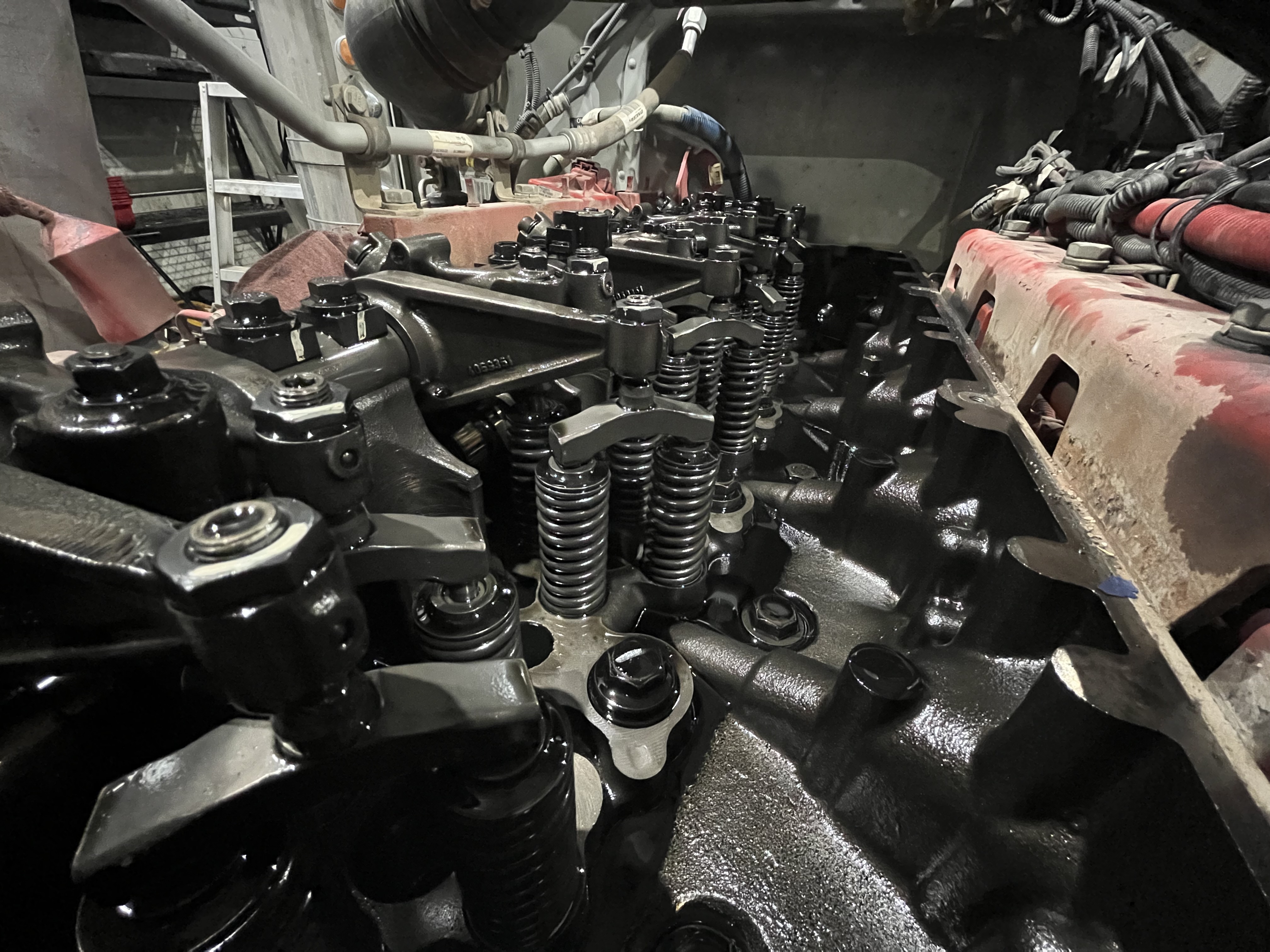
A Heavy-Duty Diesel Shop Management Alternative to AutoLeap
ShopView is a repair shop management platform designed for diesel, fleet, truck and trailer, and heavy equipment repair operations. If you are comparing AutoLeap vs ShopView or researching AutoLeap alternatives, this page explains how the two systems compare across everyday shop workflows such as work orders, technician tracking, inventory management, billing, and reporting.
Already using AutoLeap? ShopView offers migration and onboarding support designed for heavy-duty repair operations.
Real Results from Shops That Made the Switch
Saved per Work Order, per day
Additional Monthly Revenue per Technician
Technician Time Tracked Accurately
Built by Heavy-Duty Shop Owners. Designed to Get You Paid Faster.
Faster Work Order Management
Create estimates and work orders quickly so technicians have the job information they need to complete repairs efficiently.
Diesel and Fleet Repair Workflows
ShopView supports diesel truck repair, fleet maintenance, trailer repair, and heavy equipment service where jobs often involve complex diagnostics and significant parts usage.
Operational Visibility for Shop Owners
Track technician productivity, job profitability, and shop performance with reporting designed for repair operations.
ShopView vs AutoLeap at a Glance
If you are researching AutoLeap software, comparing AutoLeap vs ShopView, or exploring AutoLeap alternatives, these are the areas repair shops often evaluate.
-
Repair Shop Workflow Fit: Shops often compare whether a system supports repair shop workflows such as work orders, labor tracking, and parts management.
-
Technician Productivity Tracking: Technician tracking helps managers monitor labor hours and job progress across the shop.
-
Inventory and Parts Management: Parts-heavy repairs require accurate tracking to help prevent missed billing and inventory discrepancies.
-
Fleet and Repeat Vehicle Workflows: Fleet repair shops often rely on accessible service histories and repeat repair records.
-
Operational Reporting: Reporting helps shop owners understand technician productivity, job profitability, and overall shop performance.
-
Migration Support: Shops transitioning from AutoLeap can receive migration and onboarding assistance.
See How ShopView Compares to AutoLeap
Real features that make your shop faster, leaner, and more profitable.

 Work Orders & Estimates
 Technician Tracking
 Inventory Management
 Invoicing & Payments
 Reporting & Analytics
 Pricing & Support
Why Diesel Repair Shops Choose ShopView over AutoLeap
- A repair shop management platform designed for diesel and fleet repair operations
- Faster work order and estimate workflows
- Technician time tracking that supports accurate labor billing
- Inventory workflows suited for parts-heavy repairs
- Reporting that helps managers evaluate shop performance
Simplify Daily Shop Operations
End-to-end workflows designed for diesel and fleet repair shops.
Create Work Orders Quickly
Build estimates and work orders quickly so service writers can keep jobs moving through the shop.
Track Parts and Inventory During Repairs
Record parts usage during repairs to keep inventory accurate and invoices complete.
Generate Invoices Efficiently
Close out jobs and generate invoices without rebuilding job documentation.
Switching from AutoLeap Is Simple
Our onboarding team supports migration so shops can continue operating during the transition.
- Data migration support
- Dedicated onboarding specialist
- Live team training
- No downtime during transition
The Complete Guide to Comparing AutoLeap vs ShopView for Heavy-Duty Repair Shops
Shops researching AutoLeap alternatives or comparing AutoLeap vs ShopView are often evaluating whether their system supports the operational needs of a growing repair shop. This guide reviews the areas diesel and fleet repair businesses commonly compare, including workflow efficiency, technician time tracking, parts and inventory management, fleet repair workflows, reporting visibility, and how to transition systems without interrupting shop operations.
Why Shops Look for AutoLeap Alternatives
Repair shops sometimes compare alternative systems when their operations grow and they need clearer operational visibility.
Diesel and fleet repair operations often evaluate whether their software supports:
- Consistent job tracking
- Technician labor tracking
- Parts and inventory workflows
- Reporting for shop performance
Comparing platforms helps teams determine which system best supports their repair processes.
AutoLeap Pricing vs ShopView
When shop owners research AutoLeap pricing, they are usually evaluating the operational value their system provides.
The comparison often includes factors such as:
- How efficiently work orders move through the shop
- How accurately technician labor is captured
- How easily jobs convert into invoices
- How clearly managers can track shop performance
Operational efficiency can influence profitability more than subscription cost alone.
Work Order Management for Diesel Shops
Work order speed affects the entire shop workflow.
When work orders take too long to create or update:
- Technicians may wait for job details
- Service writers spend time managing updates
- Invoicing can slow down at job completion
Efficient work order workflows help repairs move through the shop consistently.
Technician Productivity Tracking
Technician labor represents a major portion of repair shop revenue.
Without reliable time tracking, shops may lose visibility into:
- Billed labor hours
- Technician productivity
- Job costing accuracy
Technician tracking helps managers understand how labor time is used across jobs.
Inventory and Parts Management
Heavy-duty repairs depend heavily on parts inventory.
If parts usage is not tracked accurately, shops may experience:
- Missed parts billing
- Inaccurate inventory levels
- Delays waiting for parts
- Incomplete job costing
Connecting parts usage to work orders helps keep inventory and billing aligned.
Fleet Repair Workflows
Fleet repair operations often involve repeat vehicles and recurring service work.
Systems that maintain organized vehicle histories allow service writers to quickly review past repairs and service records.
Reporting and Shop Visibility
Reporting helps shop owners understand how their business is performing.
Common metrics include:
- Technician productivity
- Billed labor hours
- Job profitability
- Overall shop trends
Clear reporting helps managers make informed operational decisions.
Migrating from AutoLeap
Switching repair shop software should not interrupt daily operations.
A structured migration process usually includes:
- Importing existing data
- Configuring workflows
- Training technicians and service writers
- Planning the go-live transition
The goal is to move systems while keeping repair operations running smoothly.
AutoLeap vs ShopView FAQs
Ready to Increase Your Shop's Revenue by 20%+?
Join thousands of heavy-duty repair shops using ShopView to streamline operations and increase profitability.