Why Your Heavy-Duty Shop Needs Mobile Service - And How to Launch It Fast
If you run an independent or mid-sized diesel, truck, fleet, trailer, or heavy-equipment shop, you've probably noticed the same thing your customers have: downtime is brutal, and "bring it to the shop" isn't always an option. That's why mobile service has gone from nice-to-have to must-have - and why the shops moving first are capturing market share and premium margins.
In this post, we'll break down the business case for mobile service, the pitfalls to avoid, and the playbook to launch quickly withShopView, a heavy-duty-specific SaaS platform that turns a service truck into a mini shop on wheels.
The Market Has Moved: Mobile Is Now a Core Revenue Stream
Across North America, mobile repairs have become thesecond-largest revenue stream for heavy-duty shops, behind in-bay work - and the gap is closing. Why?
- Downtime is expensive. When a unit is down, fleets burn cash on missed loads, penalties, and lost productivity. On-site service prevents a tow and gets revenue equipment rolling faster.
- Customer expectations shifted. Yard PMs, job-site repairs, and roadside calls are now table stakes. Many fleets are prioritizing vendors who can "come to us."
- Your competitors are already there. The majority of shops offer some form of field service. If you don't, you'll increasingly hear, "Our other vendor can."
In short: mobile isn't a side hustle anymore - it's a pillar.
The Mobile Math: Why ROI Can Be Exceptional
When you add up the typical pricing model, mobile service often out-earns a fixed bay on a per-tech basis:
- Premium labor rates. Field work routinely bills~20% higher than in-shop rates. You're sending a tech and an equipped truck into imperfect conditions; customers pay for speed and convenience.
- Layered billing. Trip fees, mileage, after-hours surcharges, and minimum billable hours stack revenue per visit - without padding or guesswork.
- High monthly throughput. A well-booked field tech can generate$12k-$20k in labor revenue per month, plus parts and fees.
- Lead generator. Roadside "save the day" calls frequently convert into fleet PM contracts and future in-shop repairs.
Shops that launch mobile with discipline report30-40% of total revenue coming from field work within a few years. But it's not automatic - you need tight logistics and the right software spine.
Where Mobile Profits Leak (And How to Plug Them)
Mobile can be wildly profitable - or maddening - depending on execution. Watch these four choke points:
- Scheduling & Dispatch Chaos
Whiteboards and phone trees don't scale when trucks and techs are scattered. You need to assign bylocation, availability, and urgency, see job status in real time, and reroute on the fly when a breakdown preempts a PM. Every extra windshield hour is a lost wrench hour. - Paper Work Orders = Lost Billables
Field notes get smudged, lost, or re-keyed. The result: missing parts on invoices and 15-30 minutes of unbilled labor per job. Multiply that by a month and you're leaking thousands. - Van Stock Blind Spots
A mobile unit is a rolling warehouse. If a tech uses a part and it isn't deducted instantly, you'll run short on the next job - or forget to bill it altogether. First-time fix rates - and profit - plummet withoutlive truck-stock tracking. - Tech Fit & Burnout
Not every A-tech thrives solo at 2 a.m. Choose resourceful, safety-minded problem solvers; compensate fairly for field duty; and avoid a single-person on-call grind that leads to churn.
Your Tech Foundation: What Heavy-Duty Mobile Service Software Must Do
To make mobile a profit center (not a headache), your software needs to run the entire field workflow - without duct-taped spreadsheets. Here's the baseline:
- Smart scheduling & GPS-aware dispatch
See every job (in-shop + mobile) on one board, assign the nearest available tech, color-code by priority, and push turn-by-turn directions. - Mobile work orders with photos, signatures, and instant invoices
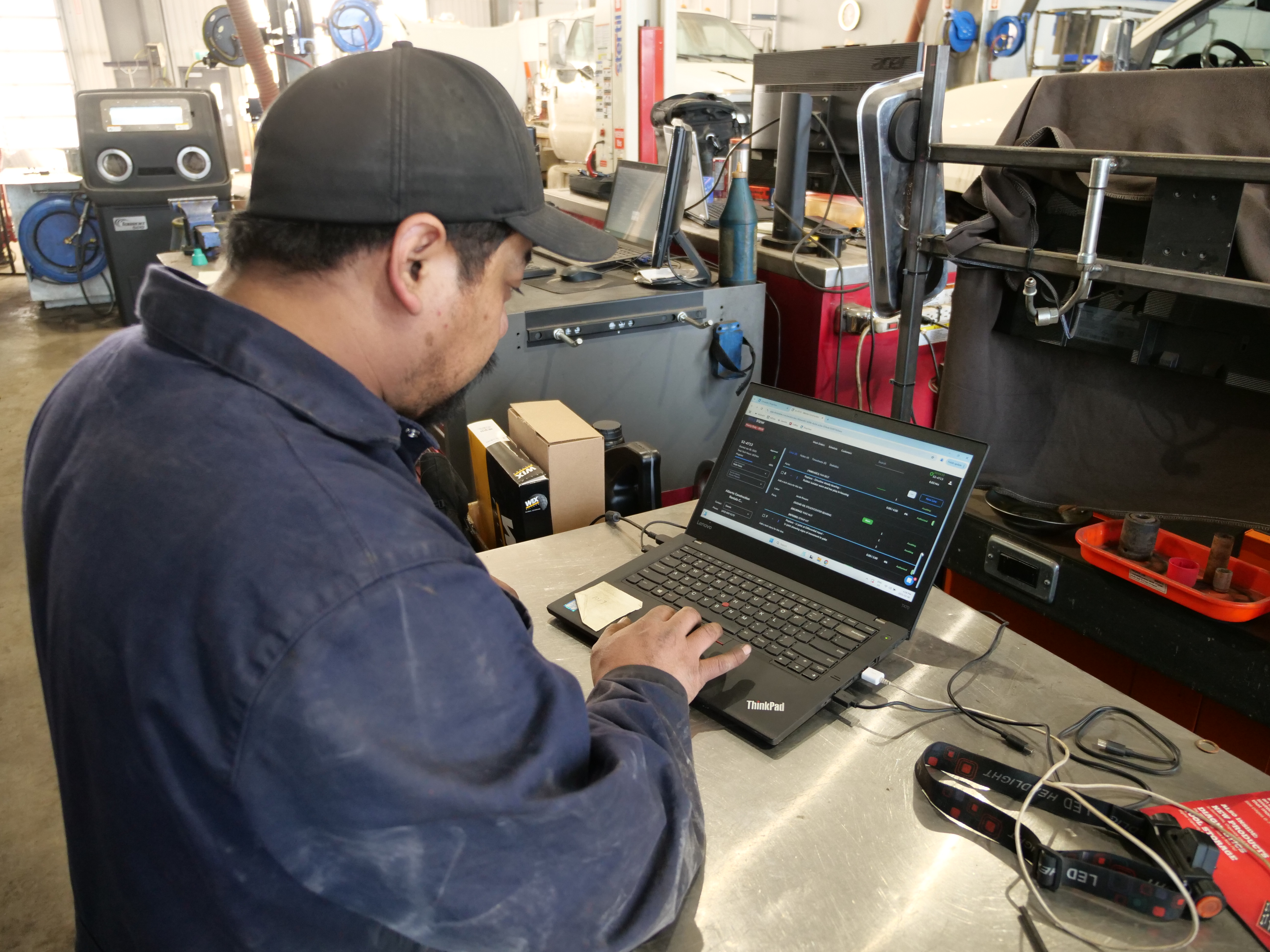
Techs create/update ROs on a tablet, attach photos, capture approvals, clock labor to specific jobs, andinvoice from the site - no double entry later. - Real-time van inventory
Treat each truck like a location: deduct parts as they're used, trigger restock alerts, and send pick lists. If Truck 2 has one DEF filter left, you should know before it leaves the yard. - Heavy-duty-specific compliance & unit history
Digitize DVIR/DOT/PM checklists, tie repairs to VIN/equipment IDs, and show warranty and service history - right in the field. - Team & customer visibility
Live statuses ("en route," "on site," "completed"), quick messaging for tech support, and an optional customer portal for approvals and updates.
Why Shops Choose ShopView for Mobile
ShopView is purpose-built for diesel and heavy-equipment operations, so your field workflows feel native - not retrofitted.
- Dispatch that thinks geographically. Assign by proximity and skill, see fleet jobs and emergency calls in one board, and redeploy quickly when the day changes (because it always does).
- Mobile app for techs. Create/receive work orders, clock on/off tasks, add notes/photos, complete DVIRs and inspections, and take payment - in the yard, on the shoulder, or at a job site.
- On-truck inventory. Track van stock in real time, generate restock pick lists, and never leave without the essentials.
- Parts & vendor integrations. Look up the right components by VIN/equipment ID and keep usage auto-tied to the RO so you bill every clamp and sensor.
- Heavy-duty DNA. Unit-centric records, DVIR/DOT workflows, and fleet-friendly reporting come baked in - no automotive templates to fight.
Shops adopting ShopView commonly report~1.5 hours saved per tech per day on admin and$5,000+ in additional monthly billables by capturing labor/parts that used to slip through cracks. That's the difference between "busy" and "profitable."
The Launch Playbook: One Truck, One Tech, One Territory
You don't need a six-figure rig to get started. Here's a proven, low-risk rollout:
1) Define the scope
- Services: Start with high-frequency, high-margin work mobile does best - PMs, DOT/BIT inspections, tires/brakes, electrical diagnostics, batteries, aftertreatment regens, and "get-it-rolling" fixes. Save overhauls for the shop.
- Customers: Begin withexisting fleet accounts and friendly yards. They already trust you and have predictable PM demand.
- Hours & radius: Launch with business hours in atight geographic zone. Nail reliability first; add after-hours once utilization justifies it.
2) Outfit the truck (without overbuying)
- A reliable used service truck or utility van (~$25k-$30k) with shelving/bins.
- Combogenerator/air/welder, lighting, jacks, spill kit, and a solid diagnostic setup.
- Labeled bins for common failures (filters, hoses, clamps, sensors, fluids) and PPE.
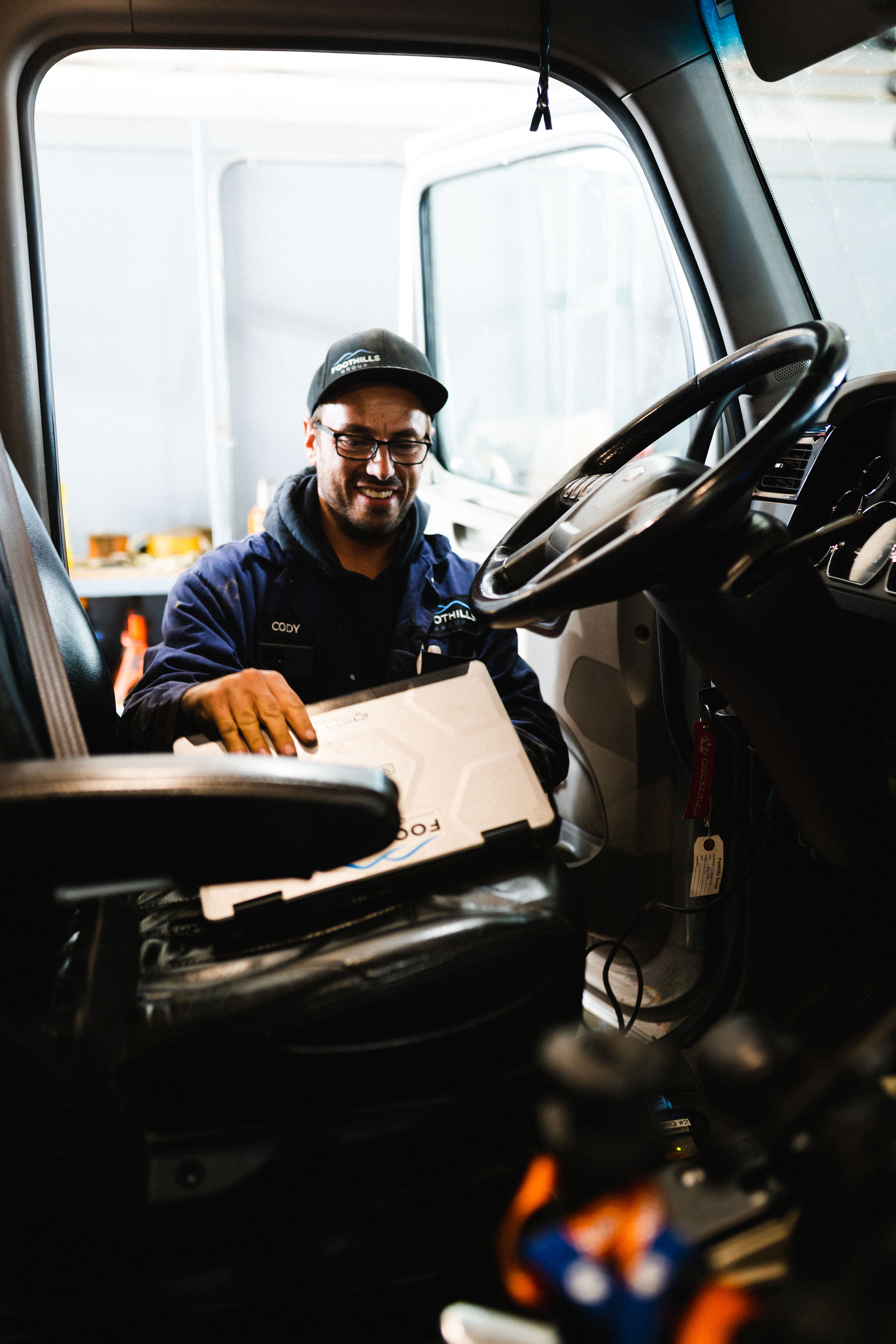
- Rugged tablet + hotspot with the ShopView tech app mounted in the cab.
3) Staff for field success
- Choose your bestmultitasker - mechanically sharp, safe, and personable.
- Compensate for field duty (premium or call-out incentive).
- Train the tech and dispatcher onShopView's field workflows; do mock jobs before day one.
- Set "go/no-go" rules (e.g.,cap repairs at 3 hours without approval, or tow when safety/quality dictates).
4) Tell the market
- Call your fleets: "We can come to your yard for PMs and inspections; here are our hours and fee structure."
- Update your website and Google Business Profile withmobile service and your service radius.
- Share wins on social (e.g., "No tow needed - got Trailer 217 road-ready in 90 minutes").
- Consider atrial promo (e.g., waived trip fee for first-time mobile PMs within 20 miles) to accelerate adoption.
5) Measure, refine, scale
- Trackwrench vs. windshield time, revenue per call, first-time-fix rate, and parts capture.
- Use ShopView's reporting toseparate mobile P&L and spot bottlenecks.
- Adjust inventory (carry more of what moves), refine pricing for far zones, and - once you're80%+ utilized - add Truck #2 or extend hours.
Pricing Guardrails: Make the Numbers Work (Day One)
Set pricing before the first call:
- Labor rate: Aim~20% above in-shop.
- Trip fee: Flat or per-mile; publish it for transparency.
- Minimum: 2-hour minimum is common; it stabilizes revenue when the fix is quick.
- After-hours surcharge: Make it worthwhile for the tech and sustainable for the business.
- Parts: Maintain disciplined markups; billevery part used (your software should enforce this automatically).
With those rules and ShopView's capture-everything workflow, you'll turn "busy" days intoprofitable days.
What Success Looks Like in 90 Days
Shops that follow this playbook typically see:
- Faster turnarounds: Dispatch to doorstep without phone tag.
- Higher billables per tech: Fewer admin hours, more logged wrench time.
- Stronger fleet relationships: Customers remember who came to them at 6 a.m.
- Cleaner financials: Mobile P&L visible and improving week over week.
Ready to Launch Mobile - or Make It More Profitable?
Whether you're starting from scratch or scaling an existing field operation,ShopView gives you the scheduling, inventory, invoicing, and compliance backbone to do it right.
Start a Free Trial orBook a 15-Minute Demo
See how shops like yours are turning mobile service into a growth engine - without the chaos.
Ready to transform your shop?
We've been in the heavy-duty truck repair business for 20+ years, so we know what slows shops down. That's why we built ShopView—to eliminate the bottlenecks.