The Five Numbers Every Heavy-Duty Repair Shop Should Track Weekly
Most heavy-duty repair shops don't have a numbers problem. They have a focus problem.
They track revenue. They track invoices. Some track parts costs. A few track technician hours, loosely. By the time the month closes, there's a report somewhere that shows how things went. But by then, whatever went wrong three weeks ago has already compounded into something harder to fix.
The shops that run well, the ones where the bank account reflects the work going through the bays, don't track more numbers than everyone else. They track fewer. And they track them every week, not every month.
There are the five numbers that tell you almost everything you need to know about how a heavy-duty repair shop is performing. If these five are right, the shop is running well. If any one of them is off, you know exactly where to look.
1. Hours Clocked
What it is: The total hours clocked by billable technicians in a given week.
This is the input number. Everything else in the shop depends on it being accurate.
If your technicians are not clocking their time directly to work orders, in real time, on every job, this number is unreliable. And if this number is unreliable, every other metric you track is unreliable too. You're making decisions based on estimates, not facts.
The discipline required here is simple but non-negotiable: every billable technician clocks onto a work order when they start a job and clocks off when they finish or move to something else. Not at the end of the day. Not from memory. At the job, when it happens.
Shops that implement this consistently for the first time almost always discover they were clocking more hours than they thought, and billing fewer. That gap is the first thing this number exposes.
What to do with it: Compare hours clocked this week against last week and against the same period last month. If hours clocked drops without a corresponding drop in truck volume, something in the workflow is losing time.
2. Hours Invoiced
What it is: The total labor hours that made it onto a customer invoice this week.
Hours clocked tells you how much work was done. Hours invoiced tells you how much of that work you got paid for.
The gap between these two numbers is one of the most expensive gaps in a repair shop. A technician clocks four hours on a job. The service advisor invoices three and a half. That half hour is gone, and nobody noticed, because it happened one line at a time across fifty work orders.
In a shop with five technicians working 45 hours a week each, a consistent 10% gap between hours clocked and hours invoiced means 22.5 hours of labor walking out the door unbilled every week. At a $100 labor rate, that's $2,250 a week. Over a year, it's more than $100,000.
The gap has several causes: work orders closed before all hours are captured, jobs quoted low and invoiced to quote rather than actual time, manual re-entry errors between time tracking and invoicing. Purpose-built repair shop management software closes most of this gap by generating invoices directly from clocked hours rather than requiring manual entry.
What to do with it: Divide hours invoiced by hours clocked. That ratio is your invoicing efficiency. Target 100% or better. Anything below 95% consistently means you have a billing gap worth investigating.
3. Technician Utilization
What it is: The percentage of a billable technician's clocked time that is on a work order. Target: 100%.
Utilization is not the same as invoicing efficiency. Invoicing efficiency measures whether clocked hours made it onto an invoice. Utilization measures whether the technician's time was clocked to billable work in the first place.
A technician who clocks 45 hours in a week but only 36 of those hours are on work orders is running at 80% utilization. The other 9 hours were clocked, just not to anything billable. Shop time. Waiting on parts. Cleaning. Time that exists in the clock but not in any invoice.
The target for billable technicians is 100% utilization, zero shop time, 100% work order time. This does not mean technicians never have downtime. It means that when downtime happens, it is visible in the numbers rather than hidden in a general clock-in.
Most shops that track this number for the first time find utilization somewhere between 65% and 80%. Getting to 90% or above, without adding a single technician or a single new customer, is one of the highest-return operational improvements available to a heavy-duty repair shop.
What to do with it: Track utilization by technician, not just by shop average. The shop average can hide individual performance gaps. A shop running at 85% average might have two technicians at 95% and one at 65%. The problem and the solution are both invisible in the average.
4. Work Order Aging - The Five Oldest Open Jobs
What it is: A weekly list of the five oldest open work orders at each location, with status and close plan for each.
This one looks simple. It is simple. And it makes an outsized difference.
Stale work orders are where heavy-duty repair shops bleed money invisibly. A job gets started. A part is on back order. A customer goes quiet. The job gets set aside while more urgent work fills the bays. Two weeks go by. Then four. The work order sits open with parts costs and clocked hours on it, and no invoice has gone out.
In a busy shop, this happens constantly. And because each individual case feels like a normal part of doing business, the cumulative effect is invisible until someone adds it up. Hundreds of open work orders with thousands of dollars in parts and labor costs sitting uncollected is not unusual in shops that haven't been tracking this number.
The fix is not a software feature, it is a weekly discipline. Every week, at every location, pull the five oldest open work orders. Require the service manager to name the status of each one and commit to a close date. Out loud. In a meeting where other people can hear it.
That single act of naming the oldest jobs weekly is enough to prevent most of them from reaching the point where they become uncollectable. Work orders do not age past 30 days in a shop where the manager knows they will have to explain each one every week.
What to do with it: Set a maximum age threshold, 14 days is a reasonable target for most jobs. Any work order older than that should have a documented reason and a documented close plan. If it has neither, the manager owns finding out why today.
5. Revenue Per Technician Per Month
What it is: Total labor revenue divided by the number of billable technicians. Target: $45,000 or more per tech per month.
This is the output number. If the first four are right, this one will be right.
Revenue per technician is the single metric that most clearly reflects whether a shop's operations are capturing the full value of its labor capacity. It accounts for utilization, invoicing efficiency, labor rate, and job volume simultaneously, without requiring you to watch all four independently.
The target of $45,000 per technician per month is achievable in a well-run heavy-duty repair shop. It assumes a standard labor rate, high utilization, and close to 100% invoicing efficiency. Shops running well below this number almost always have a problem in one of the first four metrics, usually utilization or invoicing efficiency, sometimes both.
The value of tracking this number weekly, rather than just monthly, is early warning. If revenue per tech is trending down mid-week, something in the workflow is breaking down. Addressed in week two, it's a conversation. Left until month-end, it's a loss.
What to do with it: Track it by technician, not just by shop. A shop average of $42,000 can hide a $60,000 performer and a $24,000 performer sitting next to each other in the same bay. The management action those two situations require is completely different.
Why Weekly - Not Monthly
Monthly reporting tells you what happened. Weekly reporting lets you do something about it.
A utilization problem discovered at month-end is four weeks of lost revenue. The same problem discovered at the end of week one is recoverable in week two. The mathematics of compounding operational problems over thirty days versus seven is the core reason that shops running weekly reviews consistently outperform shops running monthly reviews on the same metrics.
The weekly review does not need to be long. Thirty minutes with the service manager or managers covering all five numbers is enough. The discipline is not in the meeting length, it is in the consistency. Every week, same time, same numbers, same accountability.
The person presenting the numbers should be the person responsible for them. Not presented to them, presented by them. They collect the data, they know what it means, they explain what moved and what didn't. That ownership is what turns a set of metrics into an operational system.
How Repair Shop Reporting Software Changes This
These five numbers are trackable in a spreadsheet. Many shops start there. The problem with a spreadsheet is that someone has to fill it in, which means the data is only as accurate and current as the last time someone updated it. In a busy shop, that update often doesn't happen until the end of the week, or the end of the month, or when a manager asks for it.
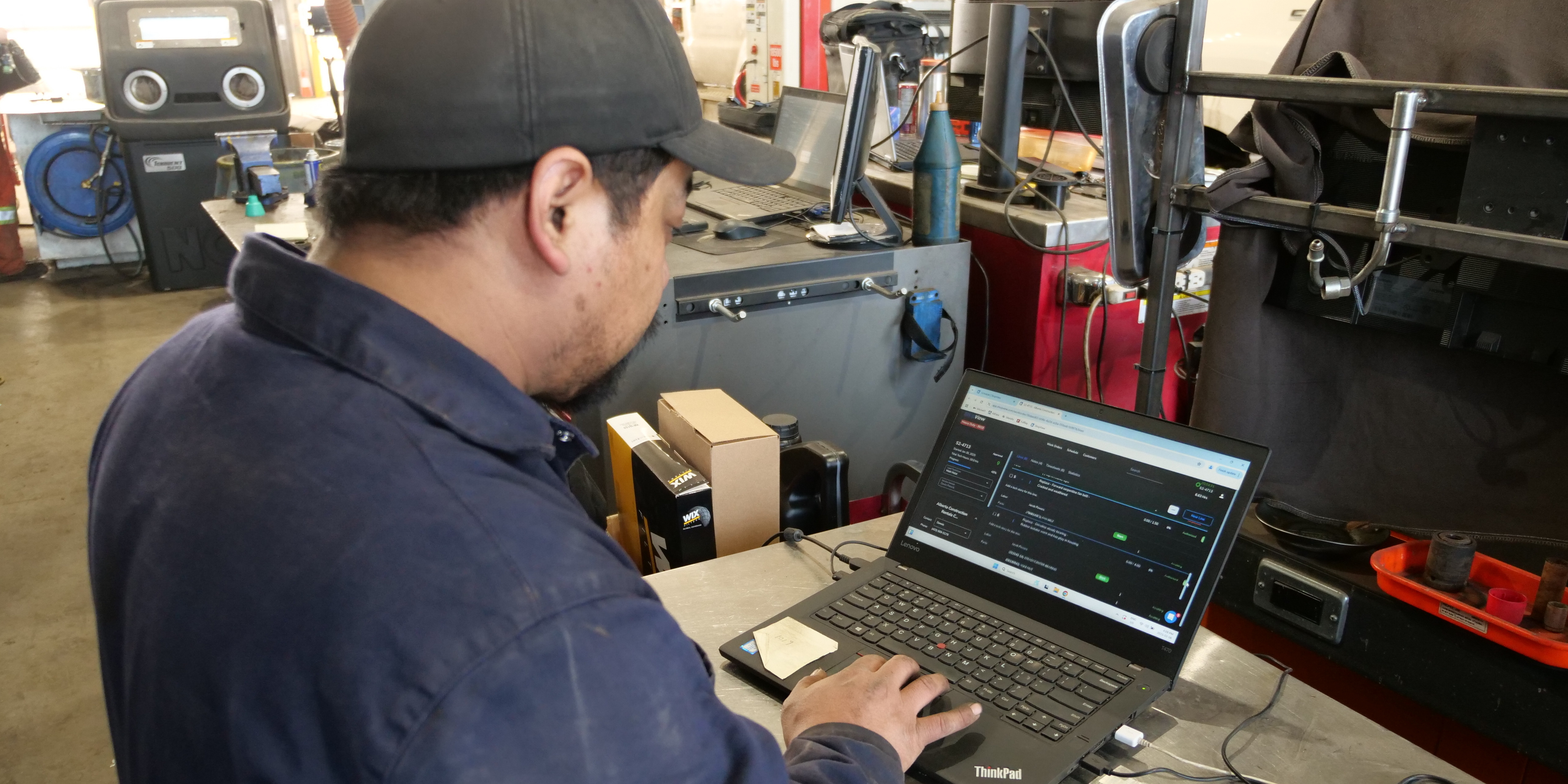
Repair shop reporting software that is connected to your work orders, time tracking, and invoicing makes these numbers available in real time without manual data entry. Technician utilization is live. Work order aging is visible on a dashboard. Revenue per tech is calculated automatically from clocked hours and invoiced labor.
The shift from spreadsheet to connected reporting does not change which numbers matter. It changes how much effort it takes to see them, and therefore how consistently a shop actually looks at them. Metrics that require manual effort to produce get skipped when things get busy. Metrics that are always visible get used.
ShopView's reporting dashboards surface all five of these numbers in real time, by technician and by location, without requiring manual calculation. Service managers can open the dashboard at the start of a weekly review meeting and have every number already populated and current.
Start Tracking What Actually Matters
If you don't know your technician utilization number right now, today, this week, that's the first thing to fix. Not next month. This week.
The five numbers above are not complicated. They don't require a sophisticated analytics platform. They require consistent tracking and consistent accountability. The shops that build that discipline, regardless of size, consistently outperform the ones that don't.
If you want to see how ShopView surfaces these numbers automatically from your shop's actual operations, start a free 14-day trial with ShopView. No credit card required. Set up your shop, run some real work orders through it, and see your utilization and invoicing efficiency numbers appear in the dashboard without a single manual calculation.
Ready to transform your shop?
We've been in the heavy-duty truck repair business for 20+ years, so we know what slows shops down. That's why we built ShopView—to eliminate the bottlenecks.