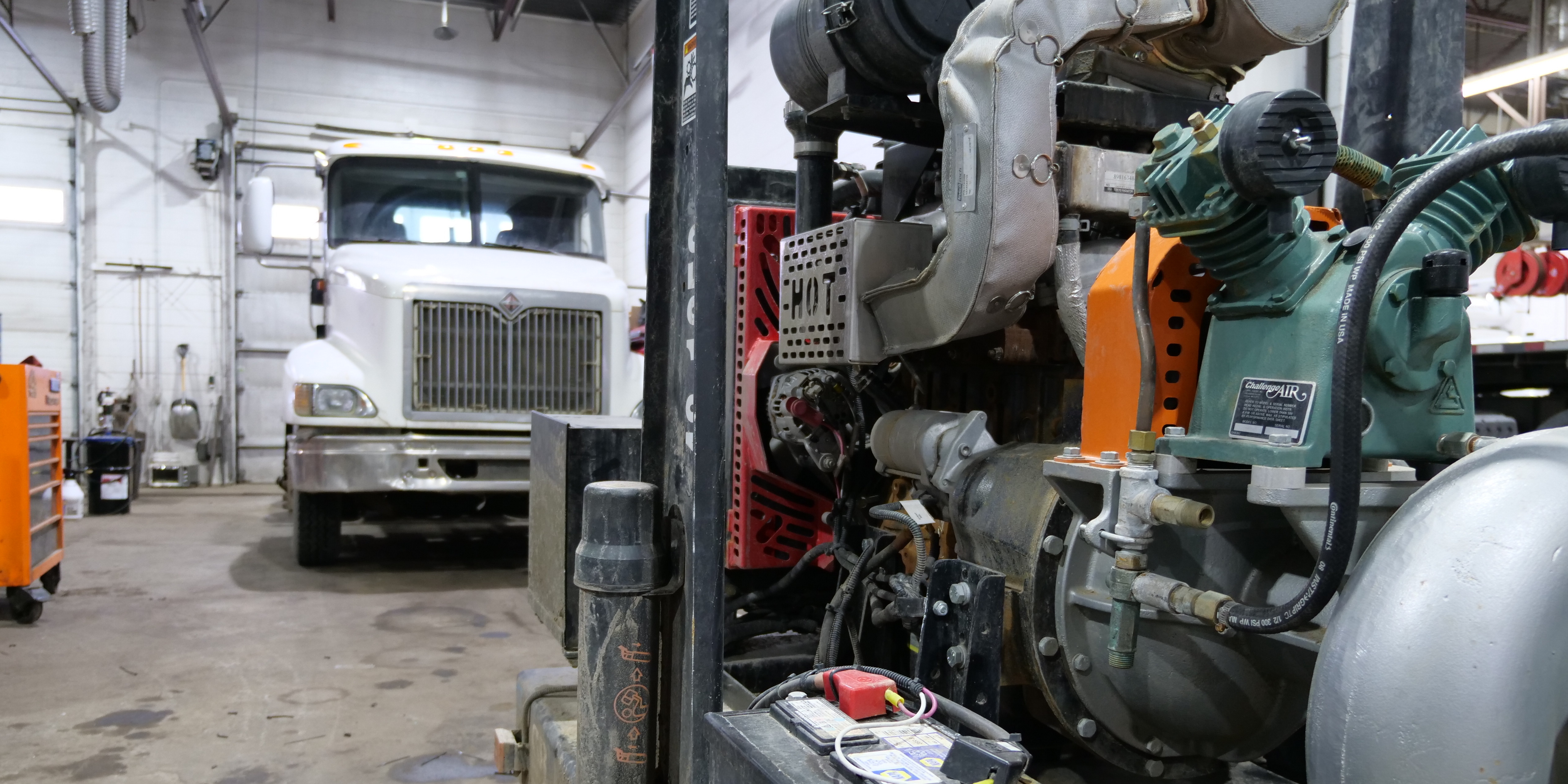
A heavy-duty repair shop can be busy and still leak money.
The bays are full. Technicians are clocked in. Work orders are open. Customers are waiting. But at the end of the week, profit still feels thinner than it should.
That usually means the owner is looking at activity, not performance.
If you only review five numbers every Monday, make them these:
- Labor efficiency
- Effective labor rate
- Parts margin
- Weekly sales per technician
- Days open
Together, these KPIs answer the questions that actually matter:
- Are we billing the labor we worked?
- Are we earning the labor rate we think we charge?
- Are parts contributing enough gross profit?
- Is each technician producing enough revenue?
- How long does work sit before it becomes an invoice?
That is the difference between reporting and running the shop.
1. Labor Efficiency
Labor efficiency tells you how much technician time turns into billed labor.
Formula:
Labor Efficiency % = Invoiced Labor Hours ÷ Clocked Billable Hours × 100
If your techs clock 100 billable hours but only 84 hours are invoiced, your labor efficiency is 84%.
That missing 16 hours is not a small reporting issue. It is lost revenue.
Heavy-duty benchmark data shows average labor efficiency around 84%, while a strong shop should push toward 95% or higher.
| Rating | Labor Efficiency |
|---|---|
| Average | 80%–85% |
| Good | 90%–100% |
| Elite | 105%+ |
Low labor efficiency usually comes from messy time punches, techs sitting on the wrong work order, waiting-on-parts time mixed with wrench time, or advisors failing to add approved labor to the invoice.
This is where accurate technician time tracking matters. If time is not captured cleanly by technician, work order, and task, the owner cannot see where labor is leaking.
Weekly owner check:
- Pull clocked billable hours vs invoiced hours.
- Review the 10 biggest negative-hour jobs.
- Separate waiting time from active work.
- Check whether approved add-on labor made it to the invoice.
- Review repeat jobs against standard repair time references.
A shop below 90% efficiency should treat it as a management issue, not a back-office detail.
2. Effective Labor Rate
Your posted labor rate is not your real labor rate.
Your effective labor rate tells you what the shop actually earned per clocked billable hour.
Formula:
Effective Labor Rate = Labor Revenue ÷ Clocked Billable Hours
If your posted rate is $149/hour but 100 clocked hours only produce $12,516 in labor revenue, your effective labor rate is $125.16/hour.
That means the shop is not really earning $149/hour. It is earning 84% of the posted rate.
| Rating | ELR vs Posted Rate |
| Average | 80%–85% |
| Good | 90%–95% |
| Elite | 100%+ |
Low ELR usually comes from discounts, soft diagnostic pricing, missed add-on labor, poor approval follow-up, or using the same labor rate for work that should be priced differently.
A strong pricing strategy should separate diagnostics, mobile work, after-hours work, fabrication, and specialty labor instead of forcing everything into one rate.
Weekly owner check:
- Compare ELR by advisor.
- Pull invoices below 85% of posted rate.
- Review discount reasons.
- Check diagnostic and teardown jobs.
- Look for labor that was approved but not billed.
If one advisor consistently produces a lower ELR than the rest of the team, the problem is usually estimating discipline, not technician productivity.
3. Parts Margin
Parts margin shows whether parts sales are actually profitable.
Formula:
Parts Margin % = (Parts Sales − Parts Cost) ÷ Parts Sales × 100
A shop can sell a lot of parts and still have weak profit if freight, cores, warranty burden, and sourcing costs are not handled correctly.
| Rating | Parts Margin |
| Average | 20%–29% |
| Good | 30%–40% |
| Elite | 45%+ |
The most common parts margin leaks are simple:
- No cost-band matrix.
- Freight absorbed by the shop.
- Core charges handled incorrectly.
- Special-order parts priced too low.
- Advisors overriding pricing without approval.
- Customer-supplied parts mixed into normal reporting.
This is the one section where inventory management belongs. Better visibility into stock, vendor pricing, parts usage, and slow-moving inventory helps owners see where parts profit is actually going.
The purchasing side matters too. Shops with disciplined smart parts purchasing workflows usually have fewer emergency orders, fewer missed costs, and cleaner margin control.
Weekly owner check:
- Pull invoices below your parts margin floor.
- Review freight recovery.
- Check core handling.
- Compare margin by vendor.
- Review low-margin special orders.
- Separate stocked, special-order, and customer-supplied parts.
If parts margin is below 30%, increasing revenue will not fix the issue. The shop needs better pricing control.
4. Weekly Sales Per Technician
Weekly sales per technician is the fastest way to see whether the shop is getting enough output from its paid capacity.
Formula:
Weekly Sales Per Technician = Total Weekly Sales ÷ Billable Technicians
If the shop sold $96,000 last week with 16 billable techs, sales per tech is $6,000.
| Rating | Weekly Sales Per Tech |
| Average | $4,500–$5,500 |
| Good | $5,500–$6,500 |
| Elite | $6,500–$8,000+ |
This number combines labor capture, pricing, parts flow, scheduling, approvals, and dispatch quality.
A tech can look busy all week and still produce weak sales if jobs are waiting on approvals, parts are late, estimates are underbuilt, or the schedule is poorly loaded.
This is where shop scheduling and clean work orders become part of profitability. If the right work is not assigned to the right technician at the right time, sales per tech will stay flat even when everyone feels busy.
Weekly owner check:
- Rank sales per technician.
- Compare top and bottom performers.
- Review schedule gaps.
- Review parts delays.
- Check approval delays.
- Look at PM opportunities that should feed next week’s calendar.
Do not hire another technician until you know whether your current technicians are producing at the right level.
5. Days Open
Days open measures how long work sits between estimate and invoice.
Formula:
Average Days Open = Total Days Open ÷ Invoices Closed
This KPI affects cash flow, bay availability, customer communication, and work-in-progress control.
| Rating | Days Open |
| Average | 11–12+ days |
| Good | 8–10 days |
| Elite | Under 7 days |
A job that is finished but not invoiced is not cash. It is trapped revenue.
Common causes of high days open include:
- Waiting on parts.
- Waiting on customer approval.
- Finished work not invoiced.
- No clear work order status.
- Poor follow-up ownership.
- Parts and labor not reconciled daily.
The fix is not only “work faster.” The fix is better workflow visibility.
A shop needs to know whether each open job is waiting on parts, waiting on approval, actively being worked, waiting on invoice, or waiting on pickup. That is why a connected repair workflow matters more than another spreadsheet.
Weekly owner check:
- Review every job open over 10 days.
- Separate active work from waiting time.
- Track last labor entry to invoice date.
- Check approval delays.
- Close and invoice completed work daily.
A good rule: completed work should not sit more than 48 hours before invoicing unless there is a documented reason.
The Monday Morning KPI Scorecard
Every Monday, review this scorecard:
| KPI | Weekly Target | Alert Level |
| Labor Efficiency | 95%+ | Below 90% |
| Effective Labor Rate | 90%–95% of posted rate | Below 85% |
| Parts Margin | 35%+ | Below 30% |
| Sales Per Technician | $5,500+ | Below $4,500 |
| Days Open | Under 10 days | Above 12 days |
Then force one action from each number:
- One labor capture fix.
- One pricing fix.
- One parts margin fix.
- One productivity fix.
- One workflow fix.
That is how KPI reporting becomes shop management.
The Bottom Line
Most heavy-duty shops do not fail because they lack data.
They fail because the data is scattered, delayed, or not tied to decisions.
Labor efficiency tells you whether worked time becomes billed time.
Effective labor rate tells you whether the shop is earning its posted rate.
Parts margin tells you whether parts are contributing profit.
Weekly sales per technician tells you whether capacity is producing.
Days open tells you whether work is turning into cash.
These five numbers should be reviewed every week.
Not once a quarter.
Not when cash gets tight.
Every Monday.
If your team is still pulling these KPIs from spreadsheets, disconnected time clocks, manual invoices, and separate accounting reports, it may be time to bring them into one operating view. ShopView connects technician tracking, work orders, advisor performance, inventory, reporting, scheduling, and profitability metrics so owners can see what is happening while there is still time to fix it.
Start a free trial or schedule a ShopView Demo to see how these weekly KPIs can be tracked inside the same workflow your team already uses to run the shop.
Ready to transform your shop?
We've been in the heavy-duty truck repair business for 20+ years, so we know what slows shops down. That's why we built ShopView—to eliminate the bottlenecks.