How Redneck Diesel Performance Uses ShopView to Cover More Jobs and Keep Techs on the Truck
Learn how the team at Redneck Diesel Performance uses ShopView to keep techs on the wrenches, keep work order notes from getting missed, and pull efficiency reports without digging.
Results with ShopView
| Before | After |
|---|---|
| Paper tickets and a hit-or-miss system with little detail behind each job | A system that feels professional, comparable to dealership software |
| Digging through the old system to find the right report | Tech efficiency and billing efficiency right there under Reports |
| Flat rate techs losing unpaid time to clunky admin | About 30 minutes a day in ShopView, the rest of the day on the truck |
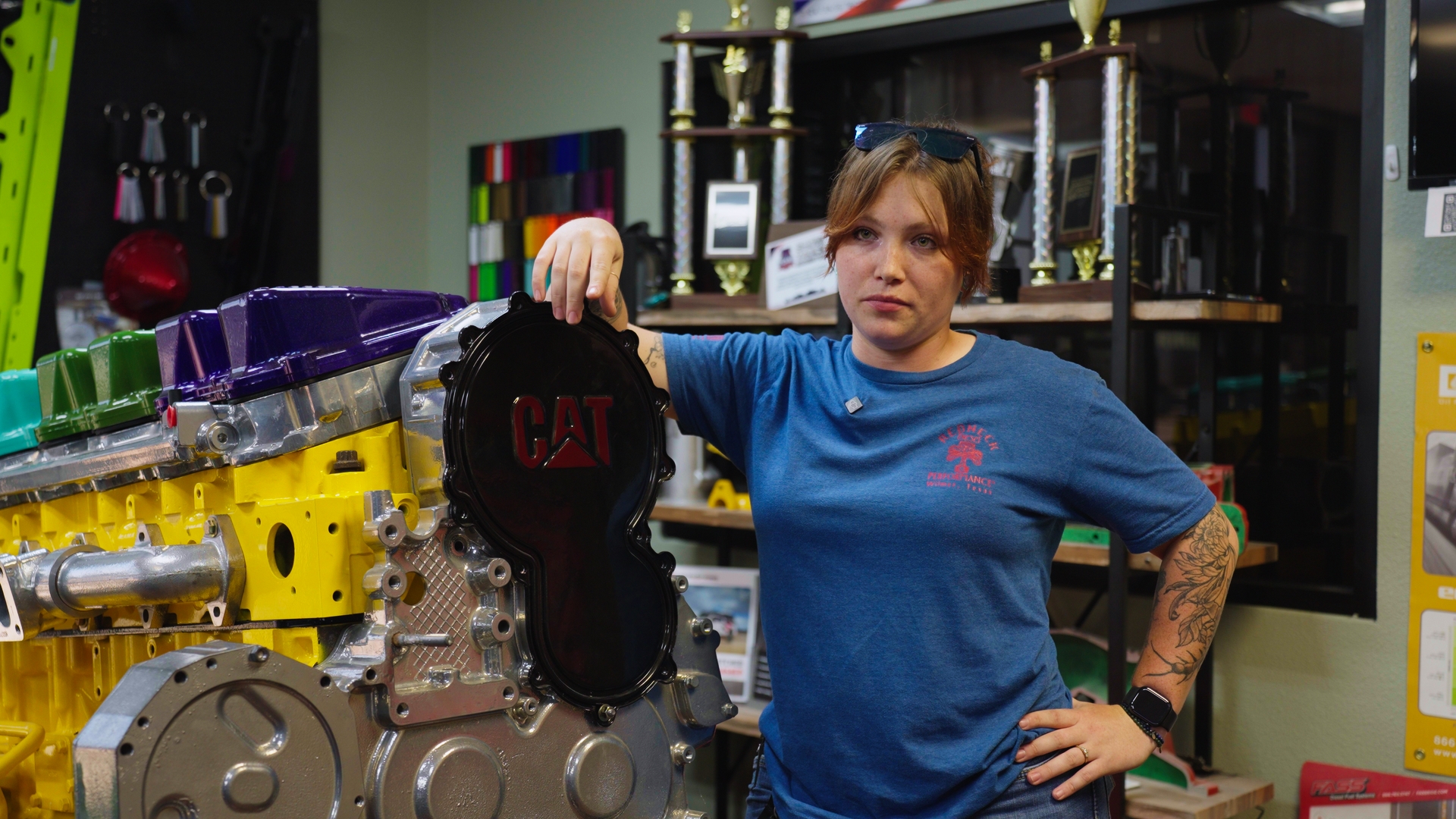
"We have the ability now to cover more jobs because it's more organized. The more organized you are, the more you can cover and capture each dollar that needs to be captured."
Todd Stewart, Shop Owner - Redneck Diesel Performance
Paper Tickets, a Hit-or-Miss System, and Notes That Never Got Seen
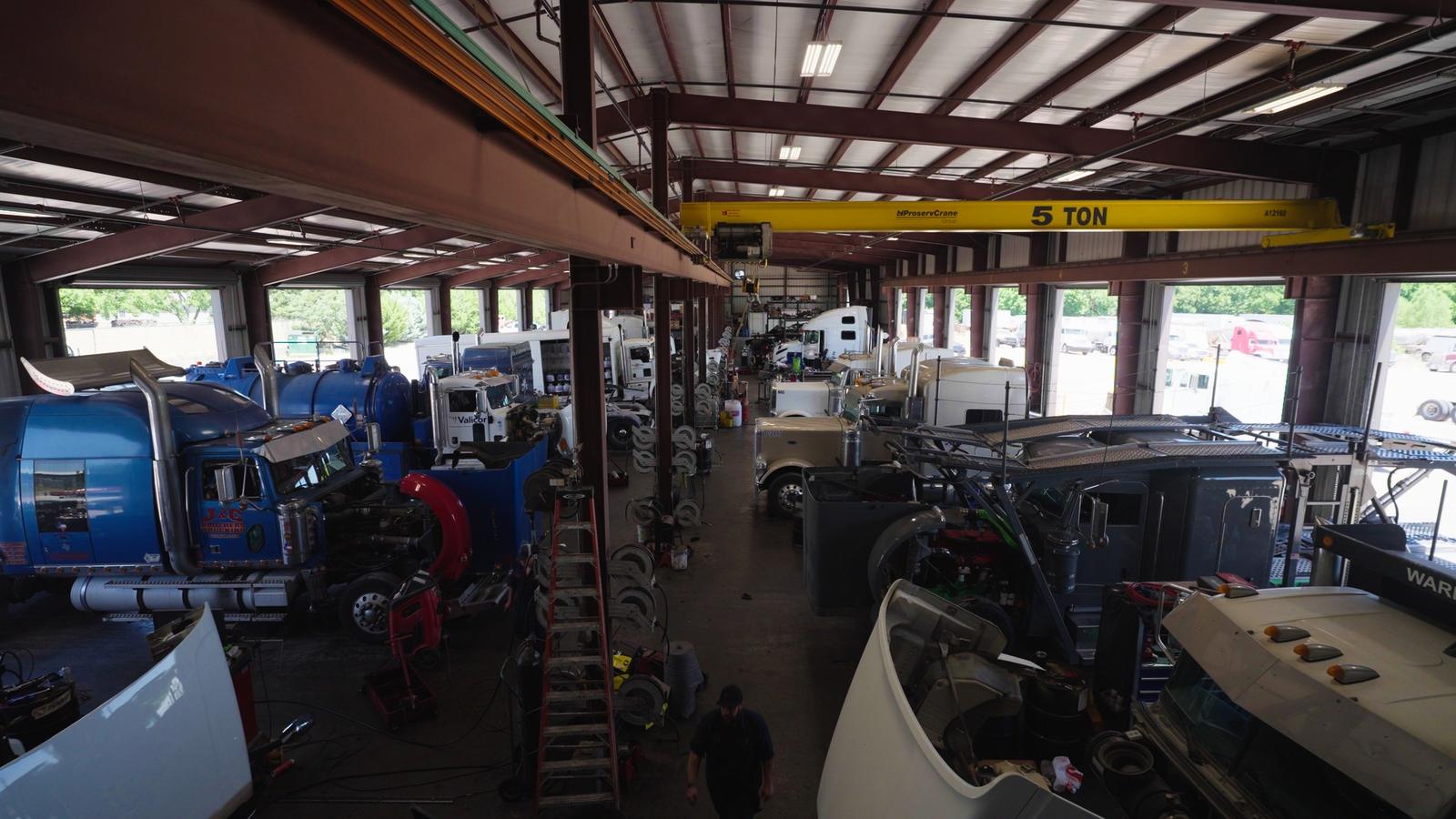
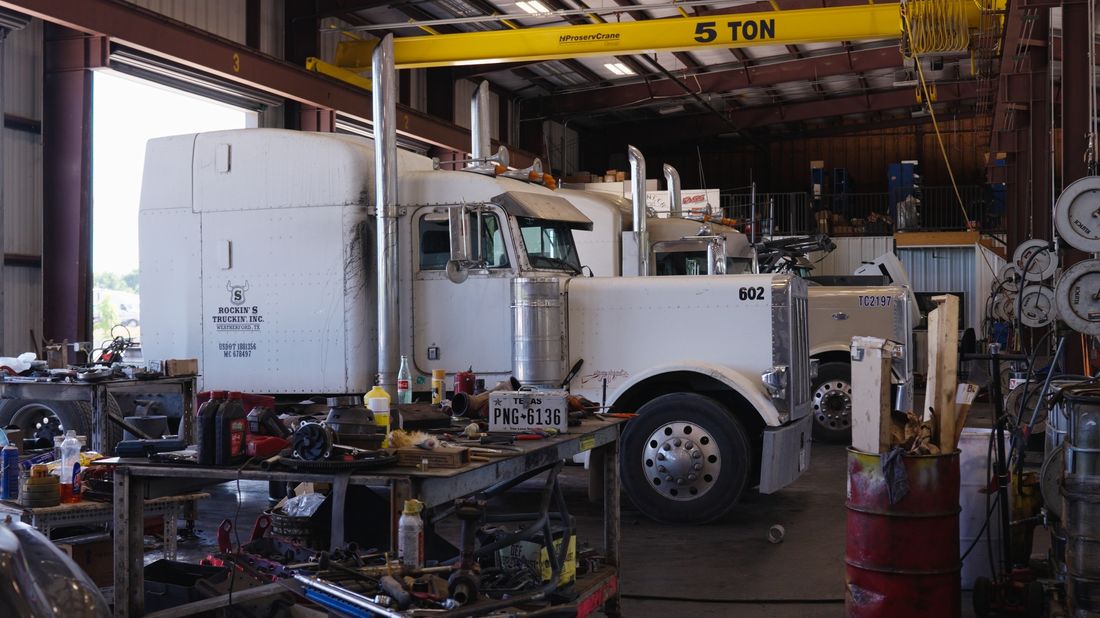
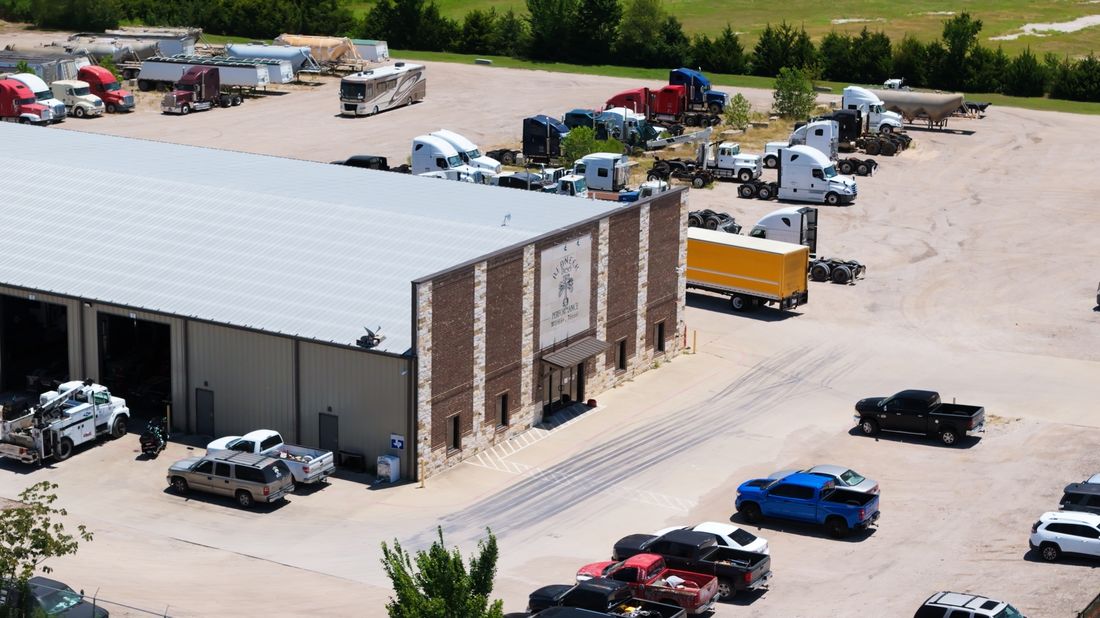
Redneck Diesel Performance is a heavy-duty truck repair and diesel performance shop in Wilmer, Texas. The floor runs long rows of bays, with working trucks and performance builds coming through side by side.
The techs at Redneck Diesel know their way around a truck. The old setup was the problem. A tech got handed a paper ticket, punched in, and worked off a system that was kind of hit or miss. It held little detail, and it felt closer to something built for personal use than a professional shop system.
When Clunky Software Costs a Flat Rate Tech Money
For a flat rate technician, every minute spent fighting software is unpaid. Time lost figuring out the system, opening a job op, or hunting for a report comes straight out of the tech's pocket, because the pay is for the job, not the admin.
Passing information along was its own problem. When a customer could not be reached, or brought their own oil, or needed something specific done, there was no dependable way to make sure the shop foreman saw it. Reports were the same story. Getting to basic efficiency numbers meant digging through the old system to find them.
ShopView's Familiar Tale for Heavy-Duty Repair Shops
- Paper tickets with little detail behind each job
- A previous platform that felt hit or miss, closer to personal-use software than a shop system
- Reports buried so deep techs had to dig for basic efficiency numbers
- No dependable way to get job notes in front of the shop foreman
- Flat rate techs losing unpaid minutes to admin work
Implementing ShopView: Filtered Work Orders, Tagged Notes, and Reports Without the Digging
Now each tech can see the whole shop or filter the schedule down to their own work orders. The day runs simple: clock in, pick the line on the RO, do the job, write the story, clock out, and send it in. Across a couple of ROs, that is maybe 30 minutes in the software all day. The most time anyone spends in ShopView is building lines and putting an estimate together.
The notes fixed the communication problem. A tech can put a note on the work order, tag the shop manager, and a notification pops up on his screen. Customer brought their own oil and wants it used instead of shop stock? It goes in the note, and nobody can say they never saw it.
Selling work got easier too. A big part of the job is calling customers, explaining what is wrong with their truck, and walking through the fix. With everything on the work order right in front of the tech, that call is an easier sell. Adding a customer or a job op takes seconds, and tech efficiency and billing efficiency reports sit right under Reports, quick and to the point.
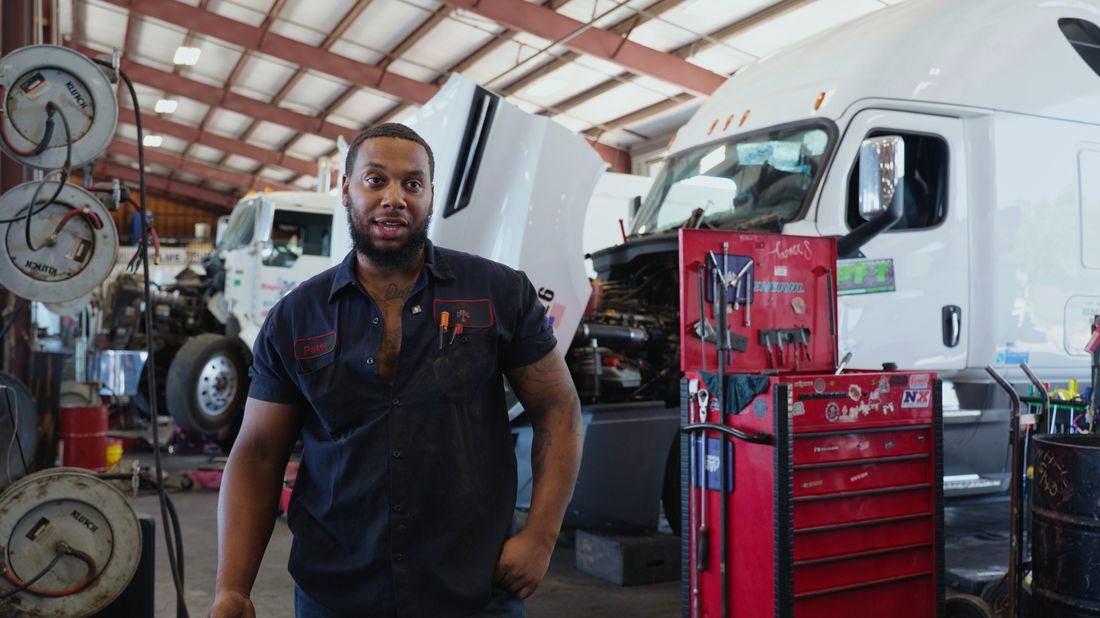
"As a flat rate tech, efficiency is everything. I don't want to waste time trying to figure out a software, because I'm not getting paid for that. I'm getting paid for the job. I'm trying to get in and out as quick as possible, and ShopView makes that pretty easy."
Diego, Service Technician - Redneck Diesel Performance
More Jobs Covered, Every Dollar Captured, and a Skeptic Won Over
Since moving to ShopView, Redneck Diesel Performance covers more jobs because the shop is more organized. As owner Todd Stewart puts it, the more organized you are, the more you can cover, and each dollar that needs to be captured gets captured.
The system feels professional now, comparable to what techs are used to at a dealership. And one of the shop's most committed skeptics, who once said he would not switch even if the new software was free, says he is glad he did. In his words, ShopView built a better mousetrap.
Redneck Diesel Performance's Favorite ShopView Features
Work Order Notes with Tagging
Put a note on the work order, tag the shop manager, and a notification pops up on his screen. Special oil, unreachable customers, anything the shop needs to know. Nothing falls through.
My Work Orders Filter
See the whole shop or filter the schedule down to your own work orders, so every tech knows exactly what they are on without asking around.
Tech Efficiency Reports
Tech efficiency and billing efficiency sit right under Reports. Quick and to the point, with no digging through the system to find them.
Fast Customers, Job Ops, and Estimates
Add a customer or a job op in seconds. Building lines and estimates is the most time a tech spends in the software, and even that goes quick.
"All you gotta do is try it. ShopView will speak for itself. Nothing's foolproof for everybody, but give it a legitimate shot. Run a few of your jobs through it, and I think it won't be very long before you get rid of that other one."
Todd Stewart, Shop Owner - Redneck Diesel Performance