How Thompson Diesel Truck Repair Uses ShopView to Capture More Tech Hours and Invoice Faster
Learn how the team at Thompson Diesel Truck Repair in Greensboro, North Carolina, cut the time from truck check-in to billing and built a shop that, in their words, runs itself.
Results with ShopView
| Before | After |
|---|---|
| A slower path from truck check-in to billing | Workflow from check-in to billing improved dramatically |
| Hours techs weren't signing into, leaving money on the table | A whole lot more hours captured from technicians, and customers invoiced in a lot less time |
| Digging through invoices to see if a truck was done | Parts, notes, and mileage drive each truck to a ready to review status |
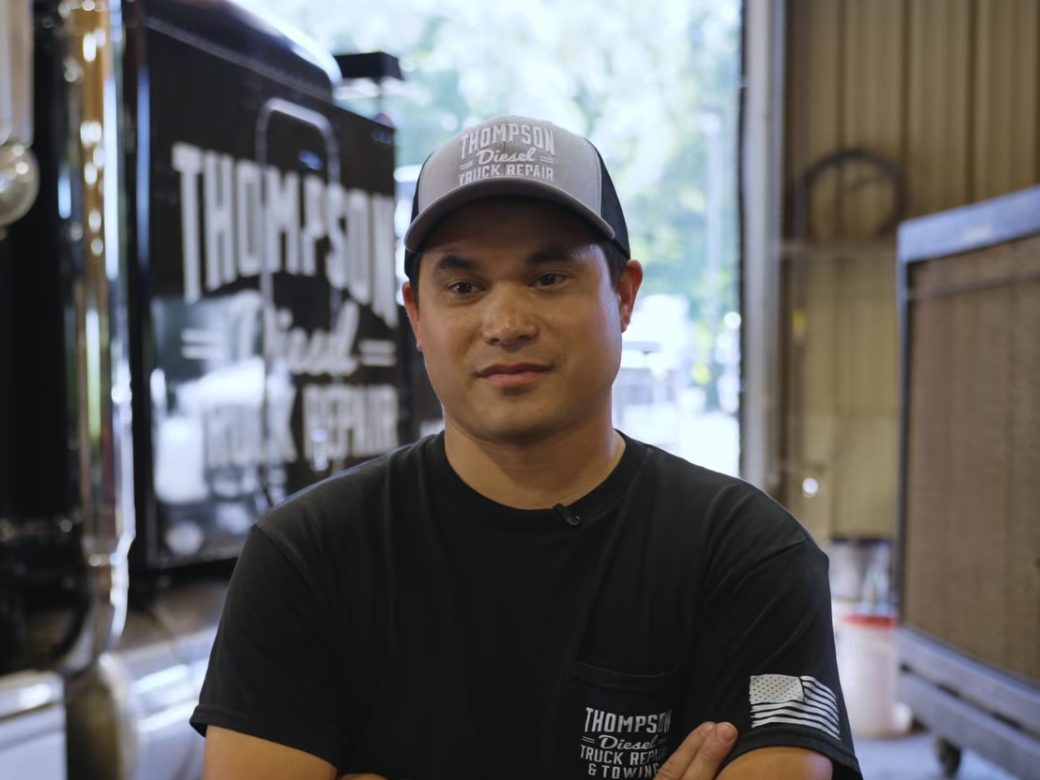
"I'll admit I was very hesitant to change because I was used to our current software. Once our operations manager kind of showed us how much we were losing, I started to be able to see how much we were leaving out on the table, and we were losing a lot of money."
Stephen, Shop Owner - Thompson Diesel Truck Repair
Old Software, Lost Hours, and Digging Through Invoices
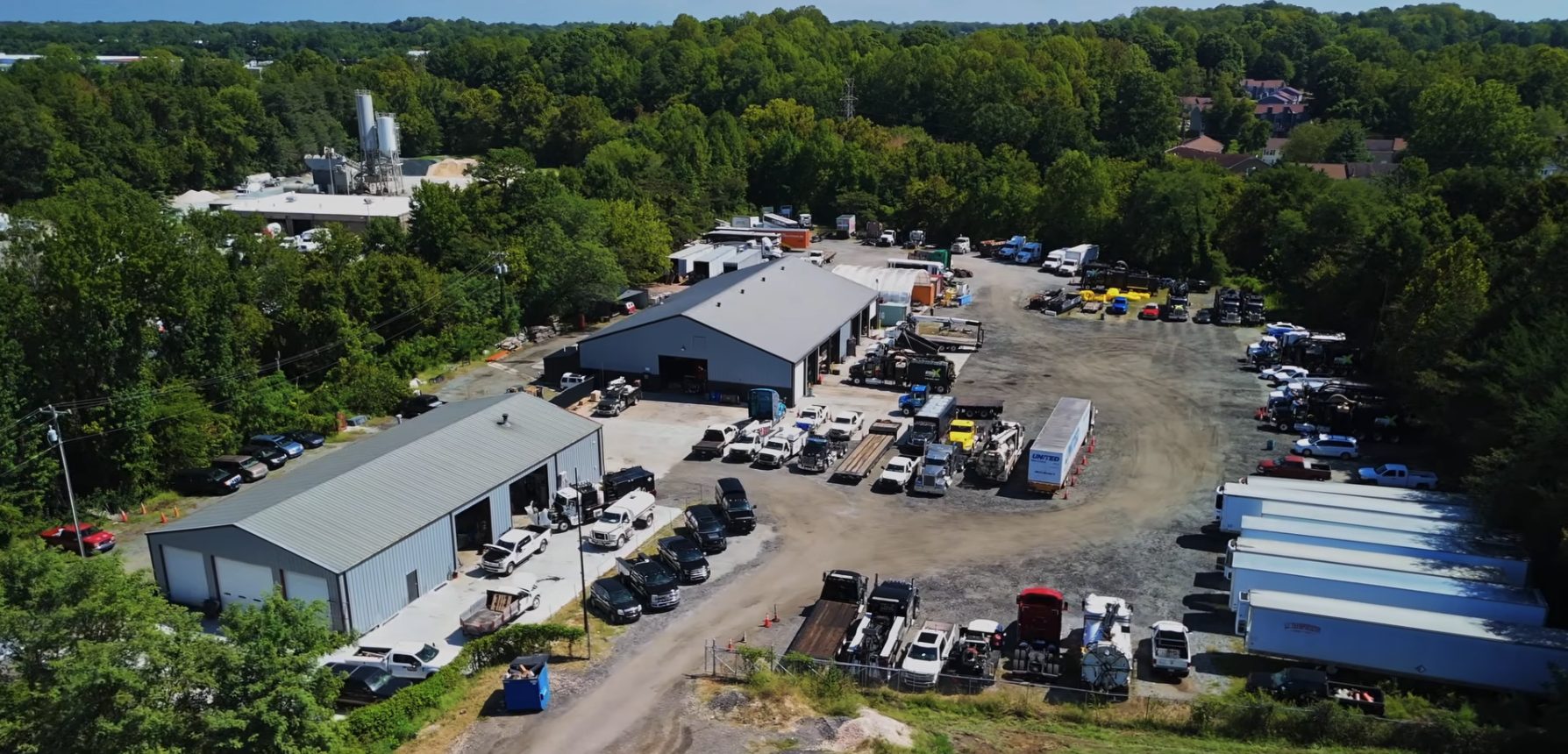
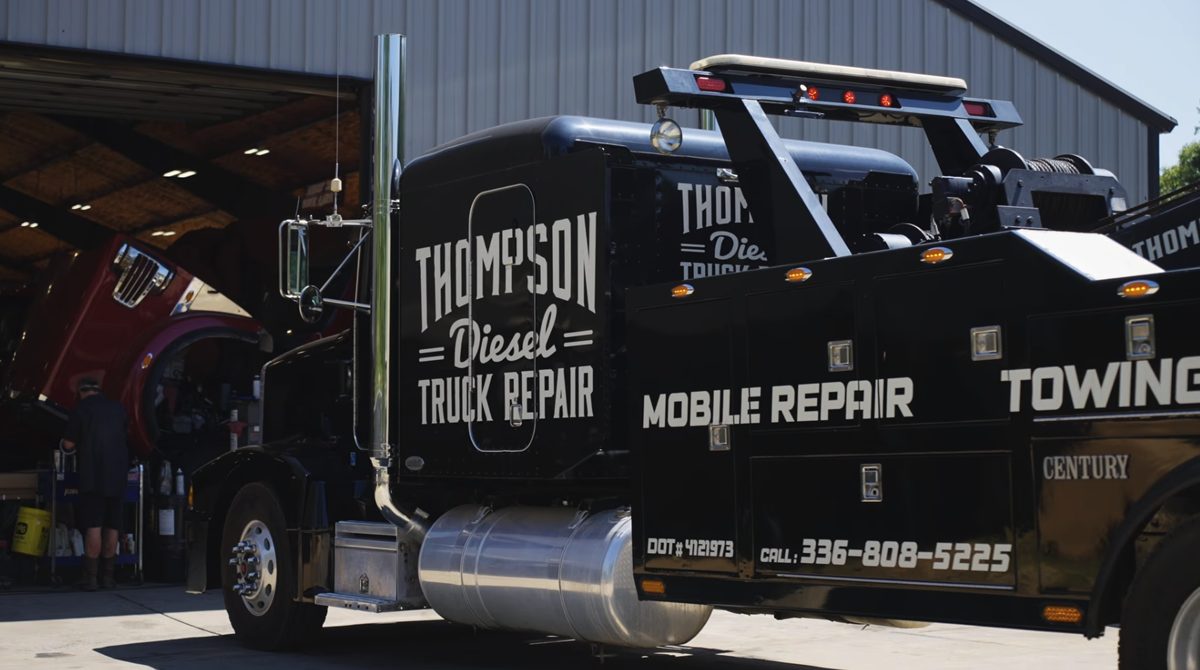
Thompson Diesel Truck Repair is a diesel truck repair shop in Greensboro, North Carolina, that also runs mobile repair and towing.
Before ShopView, the shop ran on different software. Getting a truck from check-in to billing was slower, and checking whether a truck was finished meant digging through invoices, which is not a good way to manage a shop on a daily basis.
The Money Left on the Table
Stephen, the shop owner, admits he was very hesitant to change. He was used to the software they had.
That changed once the operations manager showed the team what techs weren't signing into. Stephen could see how much they were leaving on the table, and that they were losing a lot of money.
ShopView's Familiar Tale for Heavy-Duty Repair Shops
- Techs searching for jobs in software that's hit and miss
- Time techs never sign into, and the money that goes with it
- Digging through invoices to see if a truck is done
- Techs leaving their workstations to sit in the parts department
- Billing chasing answers about what's been done and what hasn't
Implementing ShopView: Assigned Work, Clock-Ins, and a Clear Path From Check-In to Invoice
Thompson Diesel has been on ShopView since early 2026. Techs clock in to assigned work and stay focused on each job. Shop supervisor Kyle says that across an 8-hour day, he spends maybe 10 minutes in ShopView.
Techs and the parts department now drive each truck from check-in to invoicing. Parts get entered, techs do their notes, mileage gets recorded, and the truck moves to a ready to review status without anyone digging through invoices.
The Assign to Me feature is a big help too. When someone calls the service manager or the owner, the call goes into the system and gets assigned, and it shows up on the screen of the person who needs to handle it.
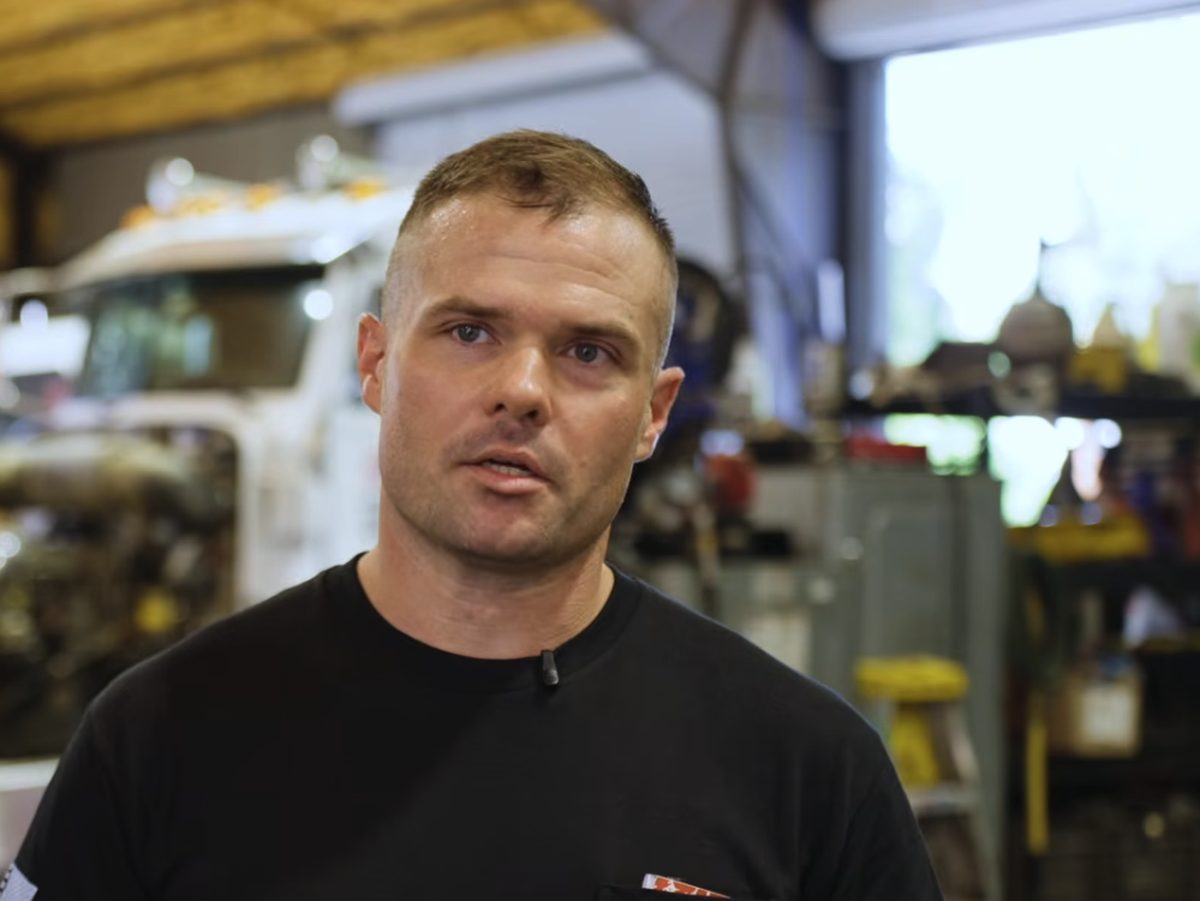
"It's like bread crumbs, okay? You're following your bread crumbs until the end of the day. And it's from start to finish. It's already lined up for you."
Kyle, Shop Supervisor - Thompson Diesel Truck Repair
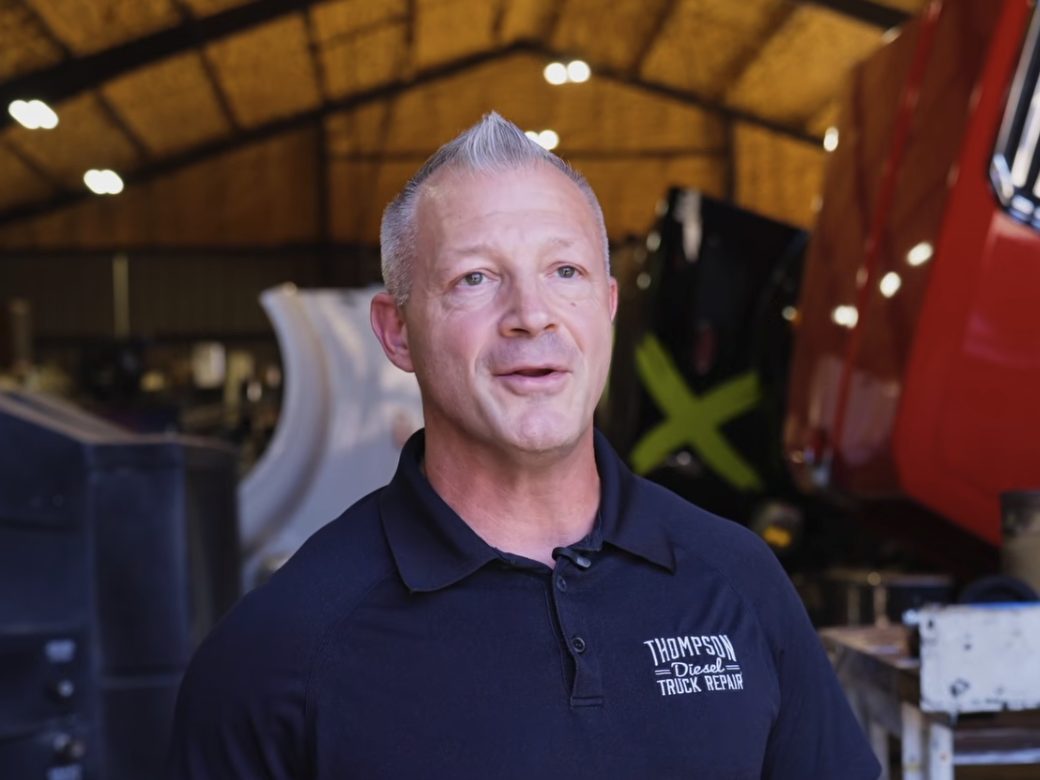
More Hours Captured, Faster Invoicing, and a Shop That Runs Itself
The team says ShopView has made them a lot more efficient. They're capturing a whole lot more hours from their technicians, invoicing customers in a lot less time, and the workflow from check-in to billing improved dramatically. The communication improvement alone made a big impact.
The numbers are easy to get to. Go to Reports, pick a report, select a time frame, and the number is there within a minute or two. Pretty much everything is two clicks away.
Thompson Diesel's Favorite ShopView Features
Clock In to Assigned Work
Techs clock in to the work assigned to them and stay focused on each job, with the job lined up from start to finish.
Assign to Me
When a call comes in to the service manager or the owner, it goes into the system and gets assigned, so it lands on the right person's screen.
Ready to Review Status
Parts, tech notes, and mileage move each truck to ready to review, so nobody has to dig through invoices to see what's done.
Reports in Two Clicks
Go to Reports, pick a report, select a time frame, and have the number within a minute or two.
"The system runs itself. All the people have to do is clock in. Everybody has their own goals for the day. It runs itself, and you just need to step back and realize, guess who's the new boss? It's ShopView."
Kyle, Shop Supervisor - Thompson Diesel Truck Repair