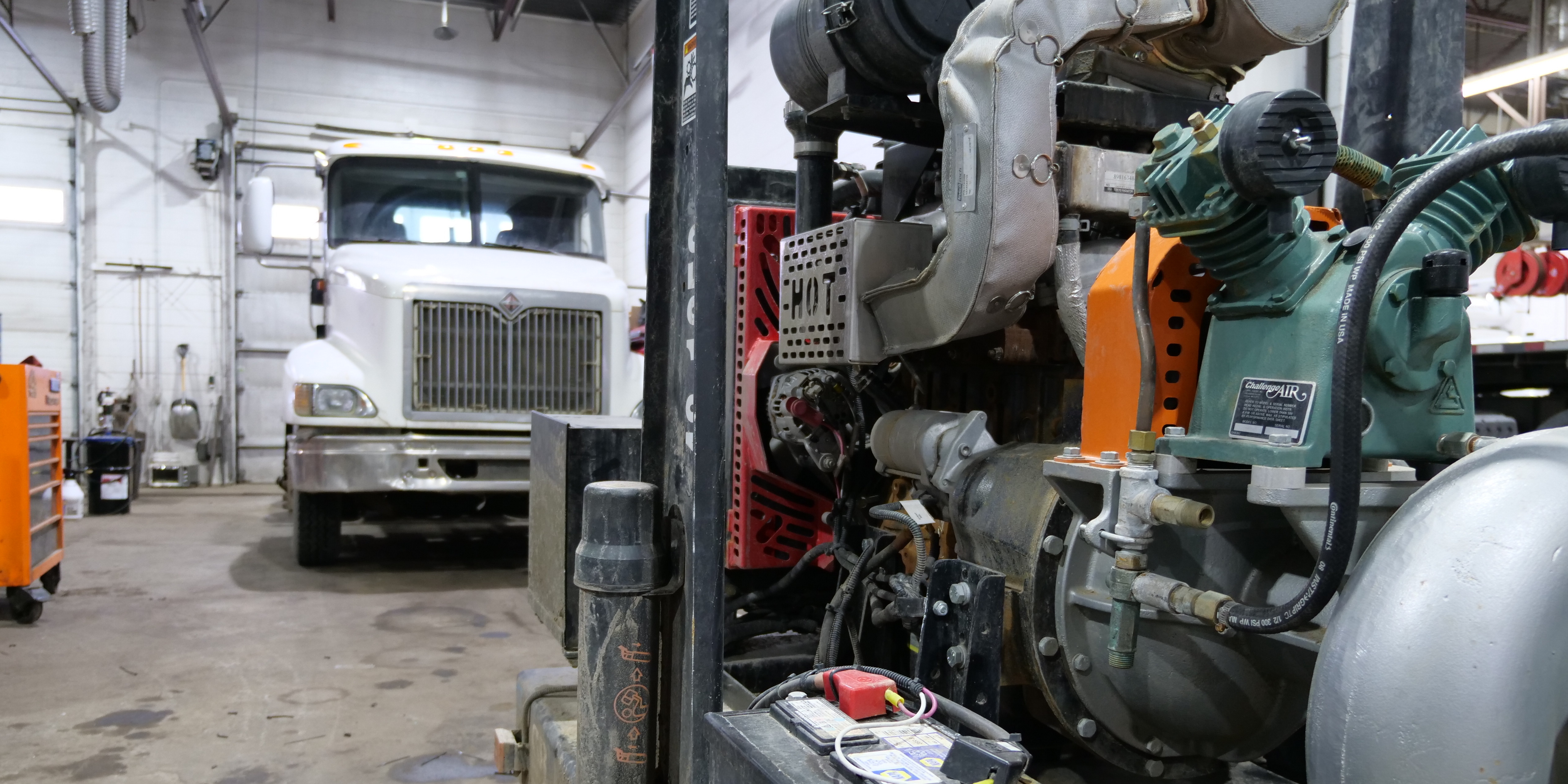
Managing parts inventory gets harder when one stockroom becomes several repair shops, warehouses, parts rooms, and service trucks.
A part can exist somewhere in the company and still be unavailable to the technician who needs it. One location may order a component while another has three sitting on a shelf. Another part may physically be in stock but already be committed to an open work order.
That is why multi-location parts inventory management is not simply about knowing how many parts you own.
You need to know what is on hand, what is available, what is committed, what is in transit, and what is already on order.
For a multi-location heavy-duty repair business, parts inventory should operate as one network of working capital and repair capacity.
What Multi-Location Parts Inventory Management Actually Means
Suppose your inventory system says the company has 14 units of a particular part.
That number alone does not tell you whether the next repair can use one.
Those 14 units could include parts sitting at different shops, parts on service trucks, inventory already committed to work orders, and inventory moving between locations.
The important question is not:
How many do we own?
It is:
Where can I get an available part for this repair right now?
That requires inventory visibility by both location and status.
It also means distinguishing on-hand inventory from available inventory. A component reserved to an approved repair may still physically be sitting on a shelf, but another location should not treat it as available.
ShopView's inventory management tools are designed to give heavy-duty repair operations visibility into parts across shops, parts rooms, warehouses, and service trucks.
Centralize the Rules, Not Every Decision
Multi-location operations need consistency without turning every routine inventory movement into a corporate approval process.
For many heavy-duty repair groups, a hybrid model makes sense.
Corporate or regional leadership can standardize:
-
Part naming and master data
-
Inventory classifications
-
Purchasing policies
-
Permissions
-
Transfer rules
-
Vendor strategy
-
KPI definitions
Individual shops can continue receiving, issuing, counting, requesting transfers, and executing approved purchases.
The operating principle is simple:
Centralize the rules. Decentralize routine execution.
This gives leadership network-wide inventory control while allowing local teams to keep repairs moving.
Transfer Before You Buy
When a location cannot find a part locally, purchasing should not automatically be the next step.
Use this sequence:
Check local stock → Check network stock → Evaluate transfer → Purchase if necessary
If another location has the part, determine whether it is actually available and whether transferring it makes operational sense.
Check the source location's available quantity, expected demand, minimum stock, repair priority, transfer time, and vendor lead time.
A transfer should not solve one shop's stockout by creating another.
The core rule is:
Buy only after you know the network cannot satisfy the demand fast and economically enough.
That can reduce duplicate purchasing while putting inventory the company already owns back to work.
Track Every Transfer From Source to Receipt
Transferred inventory should not disappear from one location and instantly appear at another.
A stronger workflow is:
Requested → Approved → Picked → In Transit → Received → Available
Once the source ships the part, it is no longer available there.
But the company still owns it.
Keeping the part visible as in transit creates a chain of custody and makes delayed or missing transfers easier to investigate.
For higher-value inventory, record who requested the transfer, who approved it, who picked it, when it shipped, who received it, and the quantity received.
Transfer time can then become a measurable KPI:
Transfer cycle time = destination receipt time - approved transfer time
Set Reorder Points by Location
Identical parts do not necessarily need identical stocking levels at every location.
A highway truck shop may consume different inventory than a trailer-heavy branch. A warehouse has a different stocking role from a mobile service truck.
Replenishment should therefore be managed at the part + location level.
A useful planning concept is:
Reorder point ≈ expected demand during replenishment lead time + safety stock
Safety stock helps protect against unexpected demand or replenishment delays.
But historical demand is not the only consideration.
A stocking decision should also consider:
Demand + Lead Time + Criticality + Location + Network Availability
A slow-moving component with a long lead time may deserve strategic network stock if not having it can keep a commercial vehicle down.
A faster-moving part available quickly from several suppliers may require less protection.
Classify Heavy-Duty Parts by More Than Velocity
Fast-moving versus slow-moving is useful, but it is not enough for heavy-duty repair.
A high-value component used only a few times per year may still be operationally critical.
A better classification considers:
Velocity + Value + Criticality + Lead Time + Location Demand + Status
|
Part Class |
General Stocking Approach |
|
Critical fast-moving |
Stock locally where recurring demand exists |
|
Critical intermittent |
Maintain strategic network stock |
|
Routine PM |
Replenish using scheduled workload and historical use |
|
Standard repair |
Use location-specific min/max levels |
|
High-value slow-moving |
Consider regional/network stock instead of duplication |
|
Special order |
Purchase against a specific repair |
|
Core-bearing |
Track the component and core obligation separately |
|
Service-truck stock |
Treat each truck as an inventory location |
|
WIP/committed |
Exclude from general available inventory |
|
Excess/no-demand |
Transfer, return, sell, or otherwise disposition |
This is a ShopView-recommended operating framework, not a universal industry classification.
Its purpose is to stop multi-location operators from making stocking decisions based on velocity alone.
Treat Service Trucks as Inventory Locations
For mobile repair operations, each service truck is effectively a moving stockroom.
It should have its own inventory balance.
The business should be able to determine:
-
What is on the truck
-
What is available
-
What has been committed
-
What was consumed
-
What needs replenishment
-
Whether another location should transfer a part to the truck
A part does not stop being company inventory because it left the building.
Treating service trucks as separate inventory locations also helps identify which field-service parts are actually moving and which are simply tying up capital.
Connect Every Part Movement to an Event
Inventory accuracy deteriorates when parts can move without explaining why.
Every movement should correspond to an event:
Receive → Stock → Reserve → Issue → Return → Transfer → Adjust → Count
When inventory is used on customer work, the chain should continue:
Part → Work Order → Job Cost → Invoice
That last connection matters financially.
A shop can install the correct part on the correct truck and still lose revenue if the part never reaches the final invoice.
Inventory management therefore cannot operate separately from work-order discipline.
Use Cycle Counts to Find Process Problems
Waiting for one annual physical inventory gives errors months to accumulate.
Cycle counting verifies selected inventory throughout the year.
High-value, high-velocity, or operationally critical parts may deserve more frequent counts.
When the physical quantity does not match the system quantity, do more than correct the balance.
Ask why.
Was the part installed but never issued?
Was it received incorrectly?
Was a transfer never completed?
Was it returned without being recorded?
Was it attached to the wrong repair?
Was it lost or damaged?
The goal is not simply to fix the count. It is to fix the process that made the count wrong.
Watch Parts Committed to WIP
A part physically sitting on a shelf is not necessarily available inventory.
If it has been reserved to an approved repair, it belongs to that work order until it is used or released.
But committed inventory can become trapped.
A repair may remain open because of another missing component, customer authorization, technician capacity, scheduling, or additional diagnosis.
Review aging committed inventory alongside work in progress.
Ask:
Is the repair still active?
Has the part already been installed?
Should it remain reserved?
Should it return to available stock?
This prevents old work orders from quietly locking inventory away from the rest of the network.
Track the Right Multi-Location Inventory KPIs
Reliable public benchmarks specifically for independent heavy-duty repair shops are limited.
Rather than treating generic automotive or dealership numbers as universal heavy-duty standards, establish consistent definitions and build your own baseline.
|
KPI |
Measurement |
|
Inventory turns |
Annual parts COGS ÷ average inventory at cost |
|
Days of inventory |
365 ÷ annual inventory turns |
|
Fill rate |
Requested lines filled in defined window ÷ requested lines |
|
Stockout rate |
Demand lines unavailable due to stockout ÷ requested lines |
|
Inventory accuracy |
Correct counted balances ÷ balances counted |
|
Transfer cycle time |
Destination receipt time - approved transfer time |
|
Aged inventory |
Inventory meeting aging/no-demand rule ÷ total inventory |
|
Emergency purchase rate |
Urgent purchase lines ÷ total purchase lines |
|
Core recovery |
Core credits received ÷ expected core credits |
Then compare performance in this order:
Location vs. its own history → Location vs. comparable locations → Network performance over time
Consistent measurement is more useful than forcing every shop toward an unsupported universal benchmark.
Understand Inventory Turns and Working Capital
Consider a hypothetical three-location heavy-duty repair group with:
Annual parts COGS: $3,000,000
Average inventory: $600,000
Inventory turns would be:
$3,000,000 ÷ $600,000 = 5 turns
If the same annual parts consumption could be supported with $500,000 in average inventory:
$3,000,000 ÷ $500,000 = 6 turns
That represents $100,000 less average capital tied up in inventory.
It does not mean the business automatically made another $100,000 in profit.
That distinction matters.
Reducing unnecessary inventory can release working capital. Cutting inventory too aggressively, however, can create stockouts, emergency freight, technician waiting, and slower repairs.
The objective is not maximum turns.
It is:
Enough availability to keep repairs moving with as little unnecessary capital tied up as practical.
Manage Cores and Returns as Inventory
Heavy-duty repair shops also need visibility into cores.
Installing a remanufactured component may create another inventory obligation after the repair itself is complete.
A practical process is:
Core Expected → Core Removed → Core Returned → Credit Expected → Credit Received
Do not treat the process as finished simply because the replacement component reached the work order.
Unreturned cores and unreconciled credits can leave money sitting outside the normal inventory view.
Review the Entire Inventory Network
A regular multi-location inventory review should answer:
Which locations are carrying the most inventory?
Which parts are not moving?
Where are stockouts occurring?
Which shops rely heavily on emergency purchasing?
Which parts are repeatedly transferred?
How long do transfers take?
Where are count variances concentrated?
Which parts remain committed to aging WIP?
Which cores are awaiting return or credit?
Which parts are being transferred often enough that the destination should start stocking them?
That last question is especially valuable.
Transfers are not just inventory movements. They are demand signals.
Repeated movement of the same part to the same location may indicate that the stocking policy itself needs to change.
Multi-Location Parts Inventory Checklist
Before buying another part, ask:
-
Is it available locally?
-
Does another location have it?
-
Is that inventory actually available or already committed?
-
Is the part already in transit?
-
Is another quantity already on order?
-
Can the source shop release it without creating another shortage?
-
Is transferring faster or more economical than purchasing?
-
Is the demand recurring or job-specific?
-
Has the part been reserved to the correct work order?
-
Will the movement be recorded from source to destination?
At the management level, standardize the part master, inventory definitions, transfer rules, cycle-count process, reorder methodology, purchasing permissions, and KPI formulas.
One Network. One Inventory Picture.
A multi-location heavy-duty repair operation should not purchase another part simply because one location cannot see it on its own shelf.
The business needs one network-wide view of what is on hand, available, committed, in transit, and already on order.
Then every movement needs to remain connected to the repair and the money behind it.
The operating model is:
See it → Reserve it → Transfer it → Use it → Bill it → Replenish it.
ShopView helps heavy-duty repair operations manage inventory across shops, parts rooms, warehouses, and service trucks while keeping parts connected to repair workflows.
See ShopView Parts Inventory Management to learn how ShopView handles parts across your operation.
Running multiple repair locations? Book a ShopView demo to see how inventory, work orders, reporting, and multi-location management work together.
Ready to transform your shop?
We've been in the heavy-duty truck repair business for 20+ years, so we know what slows shops down. That's why we built ShopView—to eliminate the bottlenecks.