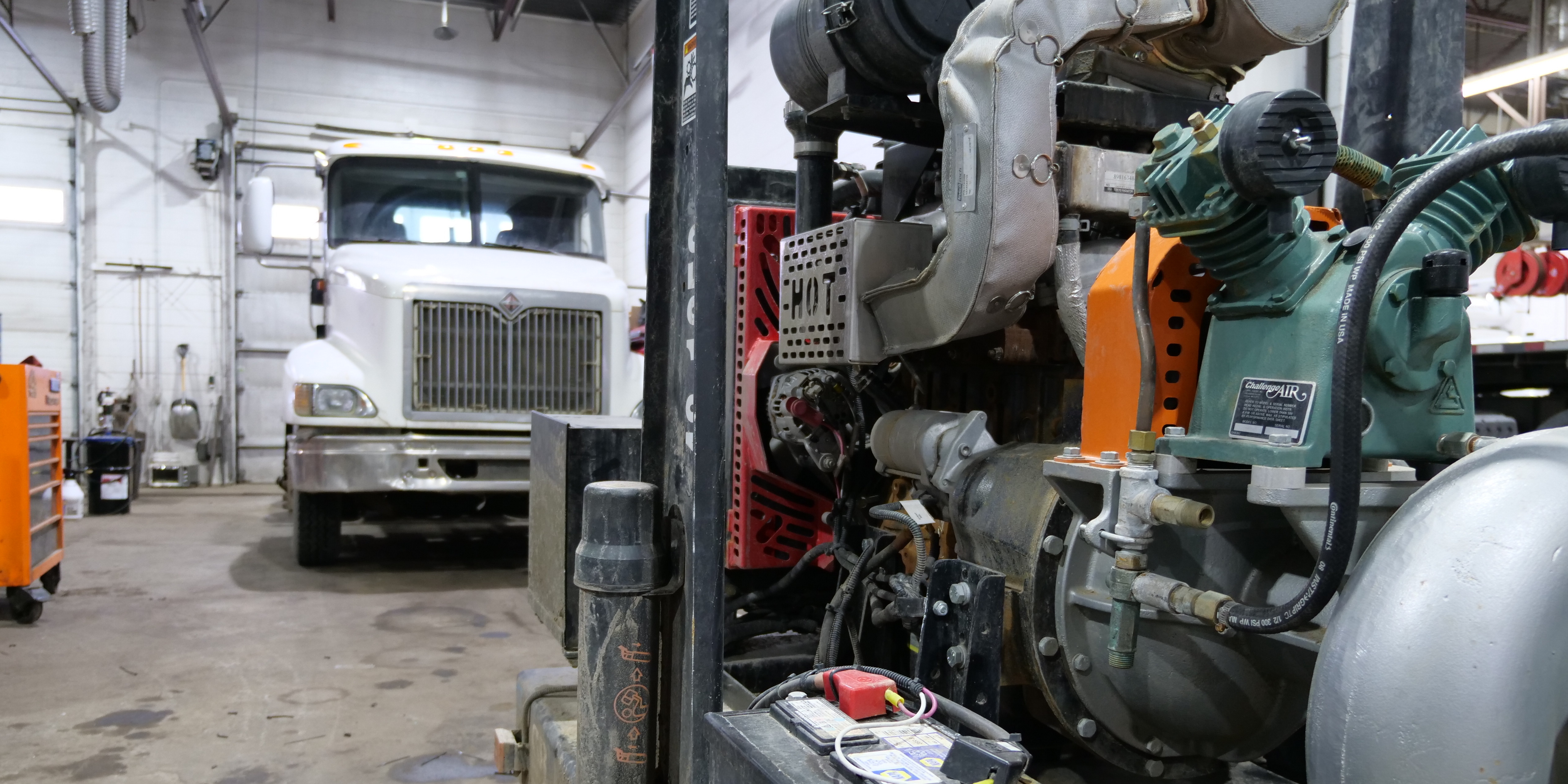
Running one heavy-duty repair shop can depend heavily on proximity.
The owner sees the bays. The service manager knows which truck is waiting on parts. Technicians can walk across the shop to clarify a work order. Problems are often discovered through conversation.
That changes when the company grows.
At multiple locations, leadership cannot rely on being physically present everywhere. Work orders, technician time, inventory, WIP, customer records, invoicing, and performance data have to communicate what is happening.
But putting every shop into one system is only the beginning.
Multi-location repair shops become manageable when every location records and measures work the same way.
That means standardizing the operating language of the business while keeping day-to-day execution close to the people running each location.
What Should Be Standardized Across Repair Shop Locations?
Start with the information that needs to remain comparable across the company:
|
Standardize Across Locations |
Keep Appropriately Local |
|
KPI definitions |
Daily bay assignments |
|
Customer and unit records |
Immediate staffing decisions |
|
Work-order statuses |
Customer-specific situations |
|
Technician time rules |
Local scheduling |
|
Job categories |
Approved vendor choices |
|
Parts-cost treatment |
Market-specific decisions |
|
Authorization rules |
Day-to-day execution |
|
Reporting periods |
Appropriate pricing exceptions |
|
Completion rules |
Local management judgment |
|
User permissions |
Operational response |
The objective is not to make every location identical.
It is to make the information coming from every location understandable.
Centralize visibility. Standardize measurement. Keep execution close to the bay.
1. Create One KPI Dictionary
Before comparing two repair shops, make sure both shops mean the same thing when they report a number.
Take technician performance.
Technician efficiency and technician utilization answer different questions.
In ShopView, technician efficiency can compare assigned Tech Hours with Actual Clocked Hours.
A technician assigned 5 Tech Hours who completes that work in 4 Actual Clocked Hours would have:
5 ÷ 4 × 100 = 125% efficiency
Utilization asks something different: where did the technician's available or clocked time actually go?
A technician could therefore perform assigned repairs efficiently while still losing substantial time to waiting for parts, moving equipment, approvals, or other internal activity.
Across several shops, confusing those metrics can produce misleading rankings.
Create a KPI dictionary that defines, for every company metric:
-
Name
-
Purpose
-
Formula
-
Numerator and denominator
-
Source data
-
Reporting period
-
Included work
-
Excluded work
-
Responsible owner
-
Review frequency
Do this for revenue, technician efficiency, utilization, effective labor rate, parts margin, WIP, days open, time-to-invoice, inventory value, and other company-wide KPIs.
Never compare two locations until the underlying definition is the same.
2. Standardize Customer and Unit Records
A multi-location heavy-duty operation is not simply managing customers.
It is managing customers and their assets.
A fleet may send Unit 417 to one location this month and another branch three months later.
The second shop should not have to reconstruct the truck's identity or history from scratch.
Establish company-wide rules for:
Customer names
Use consistent fleet/customer naming rather than allowing each branch to create its own variation.
Unit numbers
Determine how fleet unit numbers are entered and formatted.
VINs
Require complete, accurate VIN records when applicable.
Duplicate records
Define who can merge or correct duplicates.
Repair history
Make sure previous work can be associated with the correct asset regardless of which location performed it.
This improves more than customer service.
Reliable asset records make reporting, warranty review, preventive maintenance, repair history, and future data analysis more useful.
3. Standardize Work-Order Statuses
Words like "open," "in progress," and "complete" sound obvious until different shops use them differently.
For example:
Location A may mark a repair complete when the technician finishes wrenching.
Location B may wait until the technician story is finished.
Location C may wait until parts are reconciled and the job is ready for invoicing.
Now compare "completed jobs waiting for invoices" across the three locations.
The data is not actually comparable.
Define exactly what each workflow state means.
A company might establish states such as:
Estimate → Approved → Waiting on Parts → Ready → In Progress → Completed → Ready to Invoice → Invoiced
The exact workflow can vary based on the operation.
Consistency is what matters.
A standardized heavy-duty work order management process creates cleaner downstream labor, parts, WIP, invoice, and reporting data.
4. Standardize Technician Time
Technician time is one of the easiest areas for multi-location data to become unreliable.
Every location should understand:
What technicians clock into.
When they start and stop time.
How multiple technicians on one job are handled.
How internal/non-billable activities are recorded.
How diagnostic time is categorized.
How missed punches are corrected.
Who can edit technician time.
What Tech Hours mean versus Actual Clocked Hours.
If one location captures nearly every technician activity and another captures only repair time, their utilization data should not be compared as though the underlying behavior is identical.
Good reporting begins with consistent inputs.
5. Standardize Parts and Inventory Rules
Inventory becomes a network-level problem when the company expands.
Suppose Location B needs a component.
Before buying another one, leadership should be able to ask:
Does the company already own this part at another location?
Connected multi-location inventory management can help shops understand what is on hand across parts rooms, service trucks, warehouses, and locations.
But visibility alone does not create inventory discipline.
Create common rules for:
-
Part naming
-
Cost
-
Freight
-
Cores
-
Special orders
-
Customer-supplied parts
-
Vendor credits
-
Transfers
-
Reorder points
-
Cycle counts
-
Obsolete inventory
-
Purchasing authorization
Then establish a transfer-before-buy process where appropriate.
If Location A has three slow-moving units of a part and Location B needs one, transferring existing inventory may be more efficient than purchasing a fourth unit.
6. Turn WIP Into a Management Queue
Work in progress should tell leadership more than how many work orders are open.
The better question is:
Where is work stuck, why is it stuck, and who owns the next action?
Use work in progress reporting to separate conditions such as:
Approved but not started
Actively being repaired
Waiting on parts
Waiting on authorization
Completed but waiting for review
Ready to invoice
Then add aging.
For example:
0-2 days
3-5 days
6-10 days
11-20 days
20+ days
Do not treat those ranges as universal industry benchmarks. Establish aging rules appropriate for your operation and work mix.
The point is to expose work that requires action.
A dashboard that merely says "$480,000 WIP" gives leadership a number.
A dashboard showing where that $480,000 is stuck gives leadership something to manage.
7. Standardize Completion and Invoicing
Finished wrench work is not necessarily finished business.
A repair can be physically complete while waiting on technician documentation, parts reconciliation, service-manager review, customer information, or invoicing.
That makes time-to-invoice a useful multi-location metric.
A simple company definition might be:
Time-to-Invoice = Final Invoice Timestamp - Operational Completion Timestamp
The important part is defining "operational completion."
Every location needs to use the same event.
Then leadership can compare administrative delay separately from actual repair-cycle time.
A shop with long days-open performance may not have a technician-speed problem at all.
It could have a documentation or invoicing problem.
8. Define Corporate Control vs. Local Control
Standardization can go too far.
A company does not need corporate approval for every bay decision.
Corporate or regional leadership should generally own the things that make the network measurable and govern risk:
Corporate
KPI definitions
Financial controls
System configuration
Core workflows
Permissions
Master data
Reporting
Inventory policies
Acquisition standards
Security and integrations
Location managers should retain authority over execution inside those guardrails:
Local
Bay sequencing
Technician assignments
Immediate customer situations
Daily scheduling
Approved vendor decisions
Local staffing execution
Operational problem solving
That produces a healthier management model:
Corporate defines the operating system. Local managers operate the shop.
9. Review Leading Indicators Before Month-End
Revenue and gross profit tell you what already happened.
Multi-location management also needs indicators that show what is happening right now.
Leading indicators can include:
Aging WIP
Completed jobs waiting to invoice
Approved jobs not started
Technician utilization deterioration
Approval delays
Parts shortages
Slow-moving inventory
Unbilled work
Those conditions can affect future financial results before they appear on the P&L.
Good repair shop reporting and analytics should help managers find operational exceptions while there is still time to act.
A scoreboard explains what happened. An operating dashboard should help change what happens next.
10. Establish a Daily, Weekly, and Monthly Rhythm
More data does not automatically produce better management.
Someone has to review it.
Daily: Manage Exceptions
Review the conditions requiring immediate action:
Aged WIP
Completed jobs waiting to invoice
Parts blockers
Customer approval blockers
Unexpected technician downtime
Urgent capacity problems
Weekly: Compare Operations
Review consistent operating KPIs:
Technician efficiency
Technician utilization
Effective labor rate
Parts margin
WIP
Days open
Sales per technician
Time-to-invoice
The objective is not simply ranking locations.
Investigate meaningful outliers.
Monthly: Manage the System
Move toward structural questions:
Which locations are improving?
Where is inventory accumulating?
Where is capacity constrained?
Which customers or work types drive profitability?
Where are workflows breaking down repeatedly?
Does staffing match demand?
Which location has developed a process worth replicating?
That final question is especially important.
Multi-location reporting should not merely identify weak shops.
It should identify better ways of operating that can spread across the network.
11. Standardize Acquired Shops in Stages
Acquiring a repair shop creates a different challenge from opening a new location.
You inherit existing customers, employees, inventory, data, workflows, pricing, and habits.
Trying to change everything immediately can create unnecessary disruption.
A practical 90-day framework is:
Days 0-30: Discover
Map:
Systems
Customer records
Unit records
Work-order statuses
Labor categories
Pricing
Inventory
Vendors
Permissions
Open WIP
Understand the acquired shop before redesigning it.
Days 31-60: Standardize
Introduce the shared operating language:
Customer and unit rules
Work-order statuses
Technician time
Parts treatment
Authorization
Permissions
Templates
Core KPI definitions
Days 61-90: Establish the Baseline
Audit:
Time punches
Inventory
WIP
Work-order status usage
Customer/unit records
Reporting
Then publish the location's first standardized scorecard.
Do not immediately assume the acquired location should perform exactly like a mature flagship shop.
First make the data comparable.
Then optimize.
12. Measure Standardization Itself
Revenue tells you what a location produced.
It does not tell you whether the operating system behind that revenue is reliable.
ShopView recommends adding a second layer:
How consistently does each location follow the company's operating standards?
A Multi-Location Consistency Score could evaluate:
|
Area |
Example Check |
|
Work orders |
Required fields completed |
|
Customer/unit data |
Standard naming and identifiers used |
|
Technician time |
Valid punches captured |
|
Statuses |
Workflow states used correctly |
|
Parts |
Costs and categories entered consistently |
|
WIP |
Old jobs actively managed |
|
Invoicing |
Completed work closed promptly |
|
Inventory |
Counts and transfers recorded |
|
Reporting |
Common periods and formulas used |
|
Permissions |
Users have appropriate access |
This is a ShopView-recommended management framework, not an established industry benchmark.
The purpose is to answer an important question:
Can leadership trust the data enough to manage from it?
13. Build From Connected Shops to a Scalable Enterprise
A useful maturity model is:
Stage 1: Independent Shops
Locations depend heavily on separate processes and manager knowledge.
Stage 2: Connected Shops
Locations share technology, but definitions and workflows remain inconsistent.
Stage 3: Standardized Operation
Common KPIs, workflows, statuses, permissions, and data standards exist.
Stage 4: Managed Network
Leadership uses comparable data and exception management across locations.
Stage 5: Scalable Enterprise
New locations and acquisitions can enter a repeatable operating system.
The most important transition is often Stage 2 to Stage 3.
Putting every shop on one platform does not automatically standardize the business.
The company has to standardize how people use it.
Where AI Fits
AI becomes more useful when the operating data underneath it is reliable.
If one location uses inconsistent unit IDs, technicians fail to clock correctly, parts are omitted, and work orders are closed differently, AI does not magically repair those operational problems.
It inherits them.
That makes standardization an AI-readiness project too.
AI can be valuable for tasks such as retrieving repair history, drafting documentation, finding information, surfacing patterns, or reducing administrative work.
But consequential diagnosis, safety decisions, customer authorization, financial commitments, and people decisions should remain appropriately human-controlled.
The principle is straightforward:
Use AI to reduce the distance between information and action. Do not use it to remove accountability.
Multi-Location Standardization Checklist
Before calling your repair operation standardized, ask:
-
Do all locations use the same KPI definitions?
-
Are customer and unit records consistent?
-
Do work-order statuses mean the same thing everywhere?
-
Are technician-time rules standardized?
-
Is parts-cost treatment consistent?
-
Can inventory be seen and transferred across locations?
-
Is WIP categorized and aged consistently?
-
Is operational completion clearly defined?
-
Is time-to-invoice measurable?
-
Are corporate and local responsibilities documented?
-
Are permissions based on role and location?
-
Do managers follow the same review cadence?
-
Can acquired shops enter a repeatable onboarding process?
-
Can leadership trace reported KPIs back to reliable operational data?
If the answer to several of these is no, the organization may be connected without truly being standardized.
Standardize the Business Before You Benchmark It
Multi-location heavy-duty repair management is not primarily about seeing every shop from one dashboard.
It is about being able to trust what you see.
The customer records have to mean the same thing.
Work-order statuses need consistent definitions.
Technician time needs consistent rules.
WIP needs common treatment.
Inventory needs shared controls.
And KPIs need the same numerator, denominator, time period, and exclusions.
Once that foundation exists, leadership can compare locations, identify operational outliers, spread better processes, integrate acquisitions, and scale with far more confidence.
Standardize → Compare → Diagnose → Replicate → Scale.
See ShopView Multi-Location Management for connected workflows, inventory visibility, reporting, and centralized oversight across heavy-duty repair locations.
Running or acquiring multiple heavy-duty repair shops? Book a ShopView enterprise demo and see how your operating standards can work across one connected system.
Ready to transform your shop?
We've been in the heavy-duty truck repair business for 20+ years, so we know what slows shops down. That's why we built ShopView—to eliminate the bottlenecks.